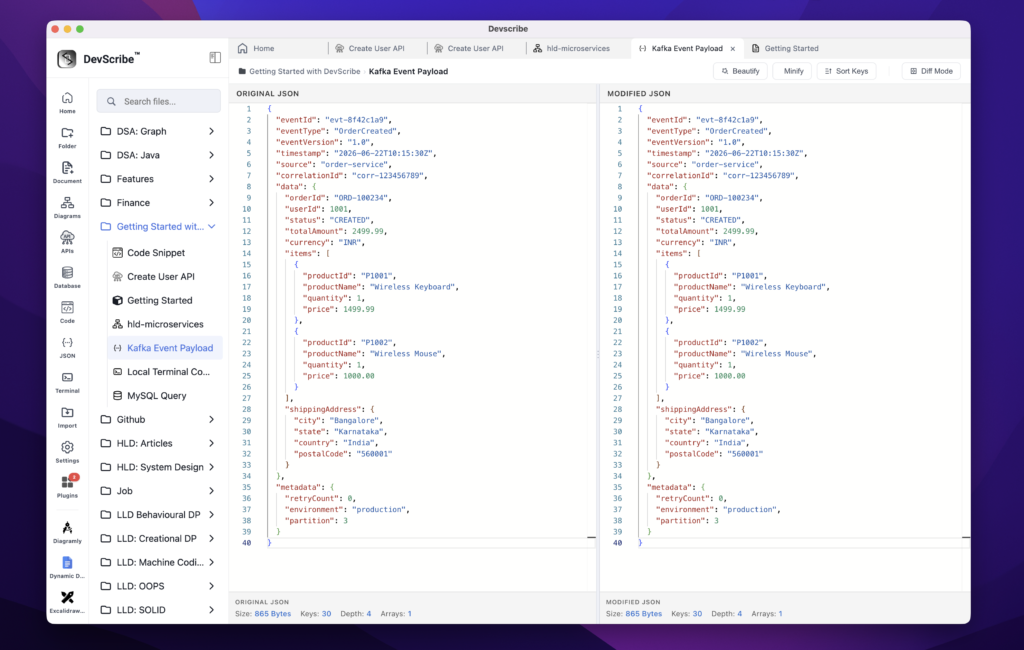
Embedding JSON Files
JSON files are embedded directly into your documentation as formatted, syntax-highlighted documents rather than plain text blocks. This makes request payloads, response examples, configuration files, and sample data easy to read while keeping the original JSON file synchronized with the documentation.
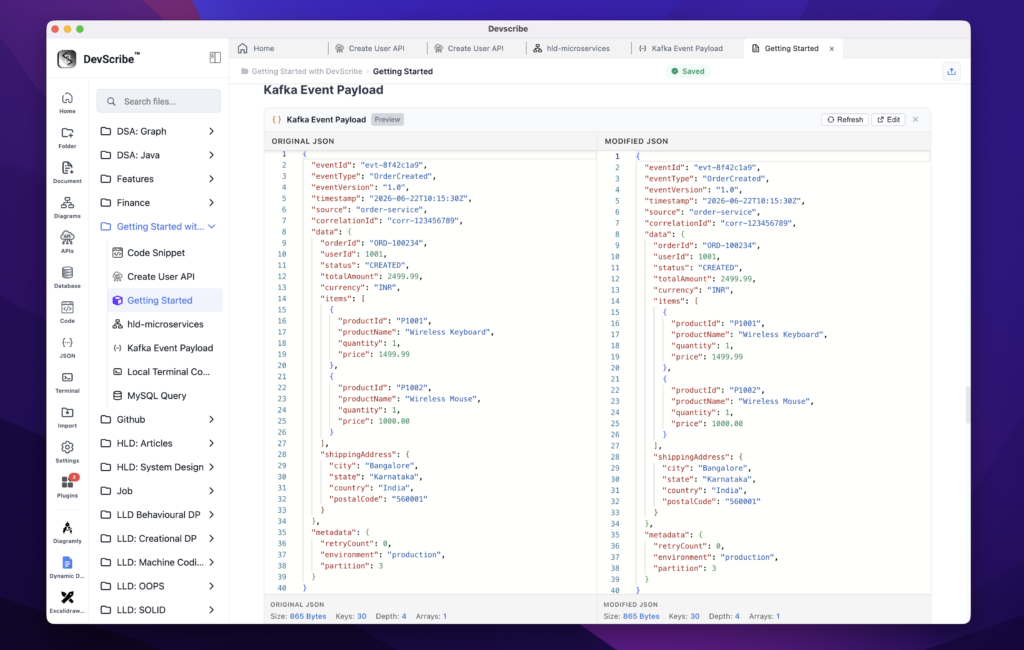
When you need to modify the payload, simply click Edit on the embedded JSON document. DevScribe opens the file in the JSON Plugin, where you can update, format, validate, and save the JSON. Any changes are immediately reflected in the embedded documentation since both views reference the same underlying file.
Embedding JSON directly within documentation keeps API examples, configuration files, event payloads, and sample responses close to the related documentation, eliminating the need to switch between editors or maintain duplicate copies of the same JSON data.