Features

One app, the whole technical workflow.

Every block below lives inside the same document. Mix prose, diagrams, queries and executable code in a single file.

/doc Core plugin
Documentation editor
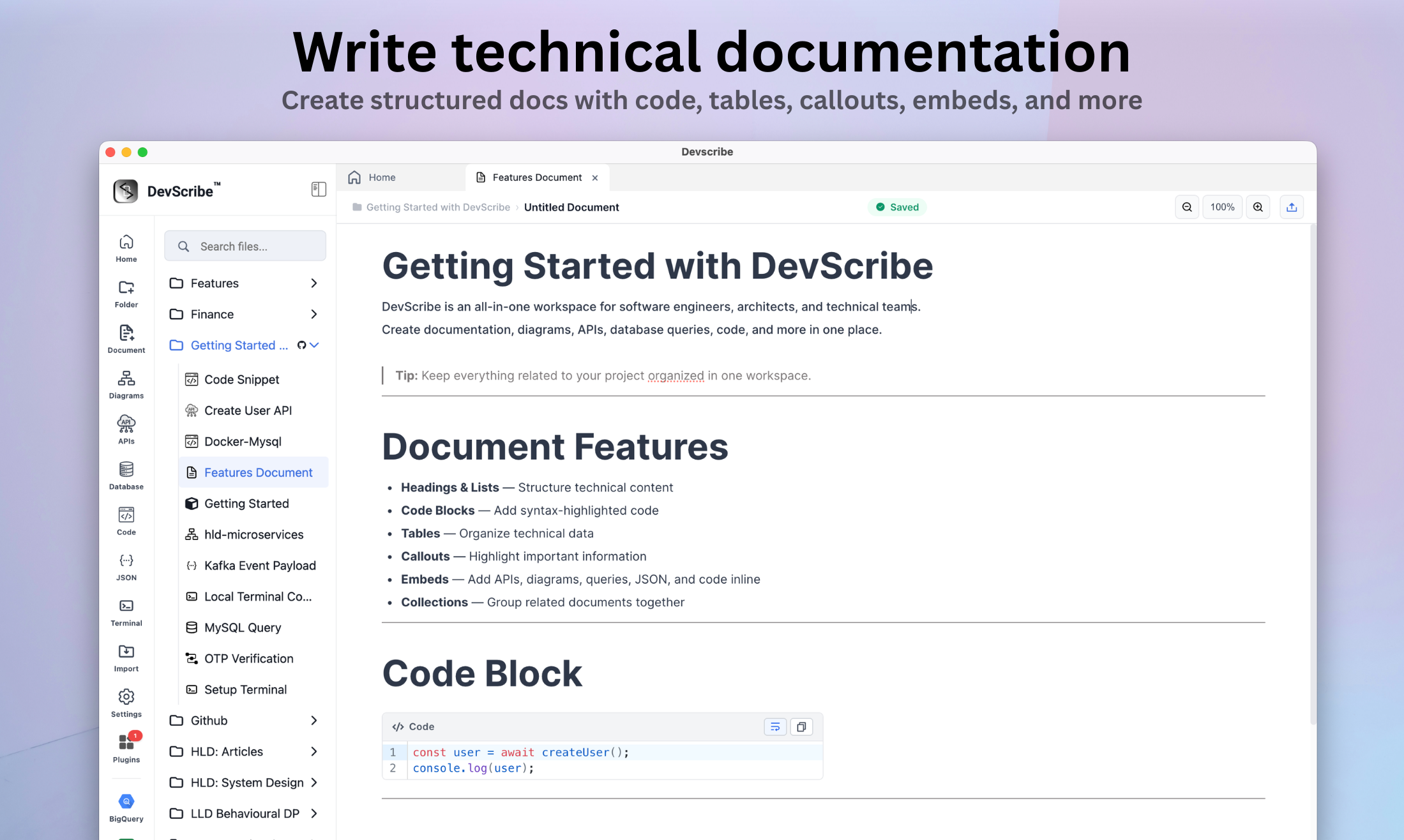
Block-based writing built for technical content — code, tables, callouts and embeds in a structure that mirrors your system.
  • blocks Headings, lists, tables, code, callouts
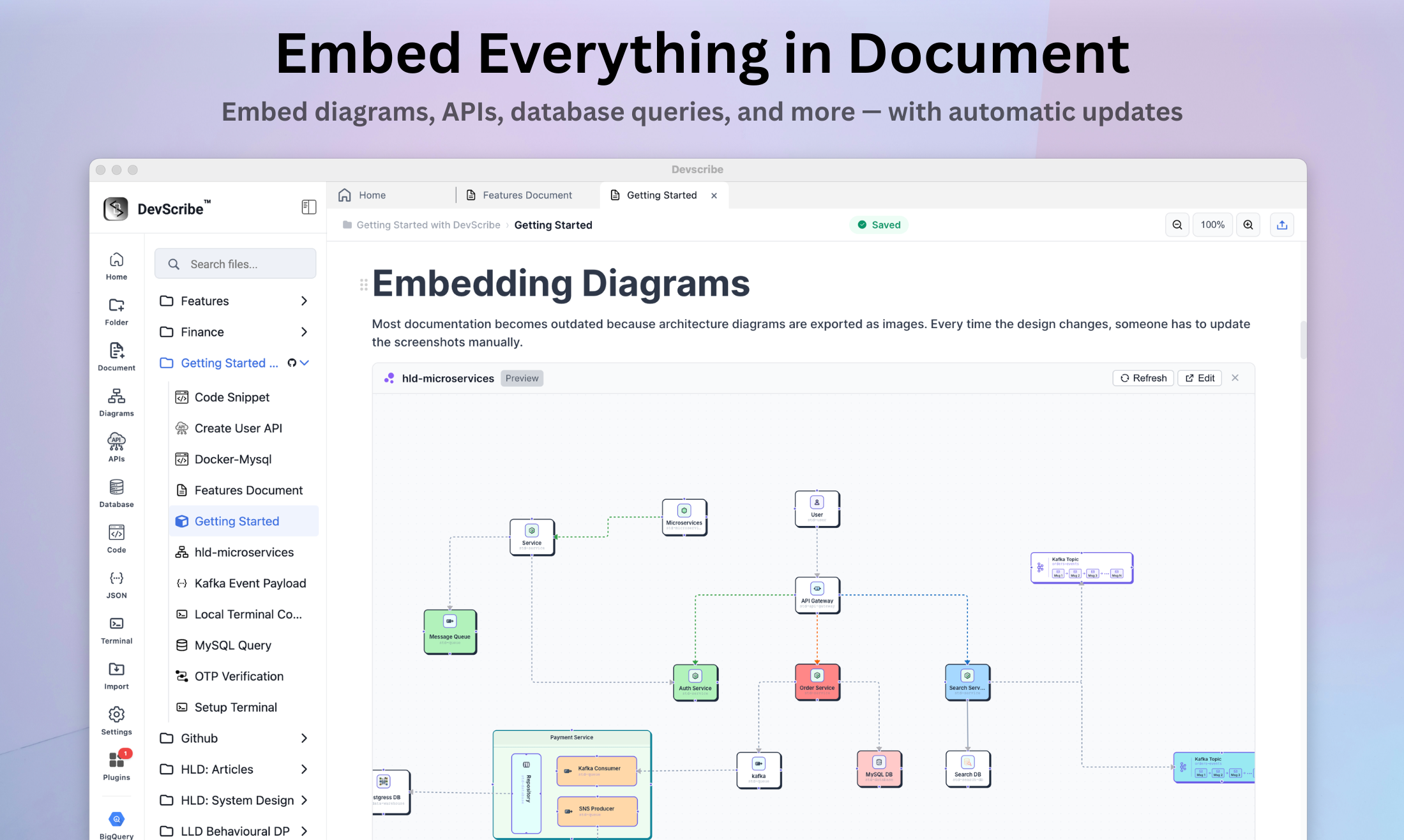
  • embeds Embed related files within documents
  • collections Group project files into shareable set
  • slash menu Type / to quickly add blocks & embed
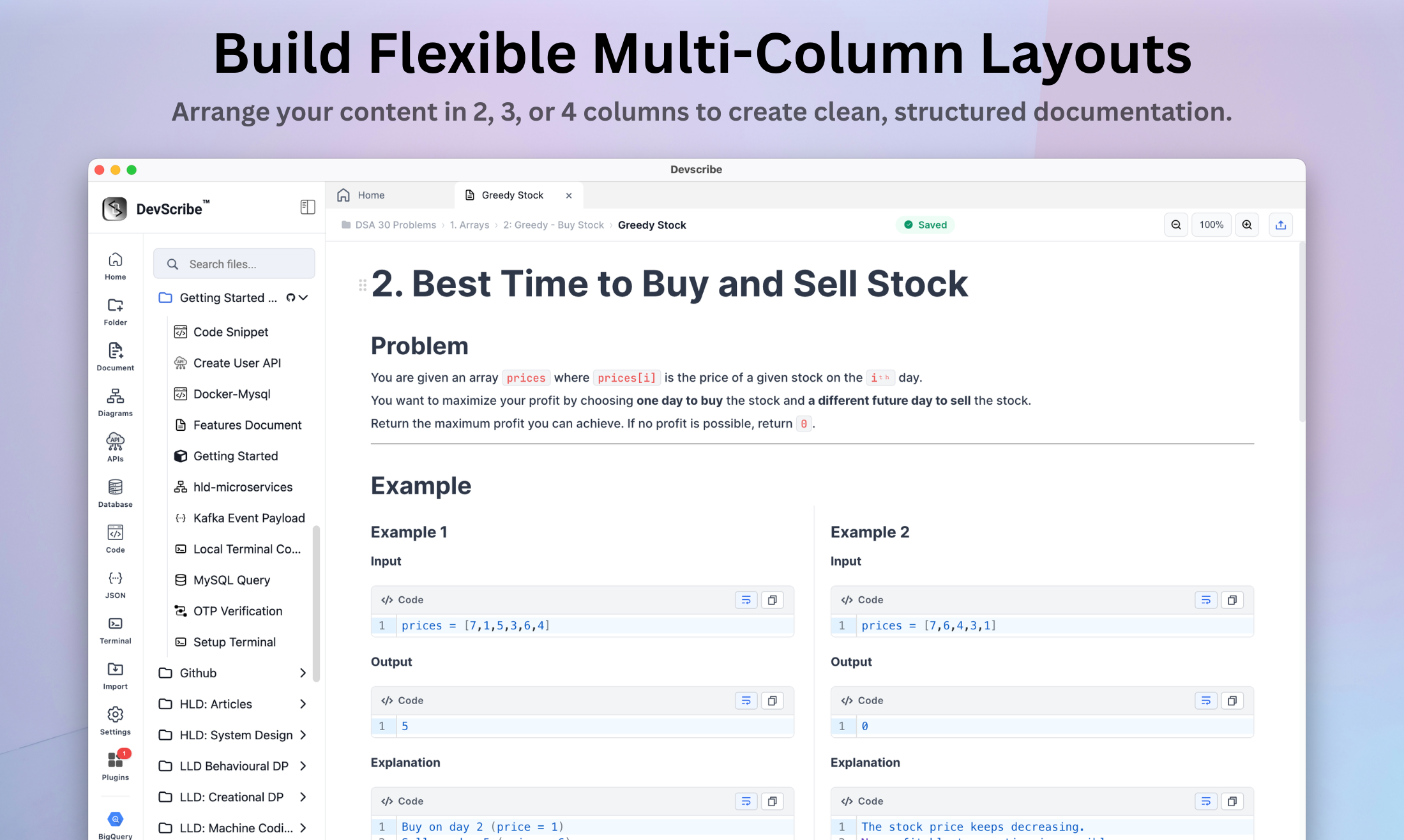
  • columns Create 2, 3, or 4-multi-column layout
  • auto-sync Embedded files update automatically
/diagram Core plugin
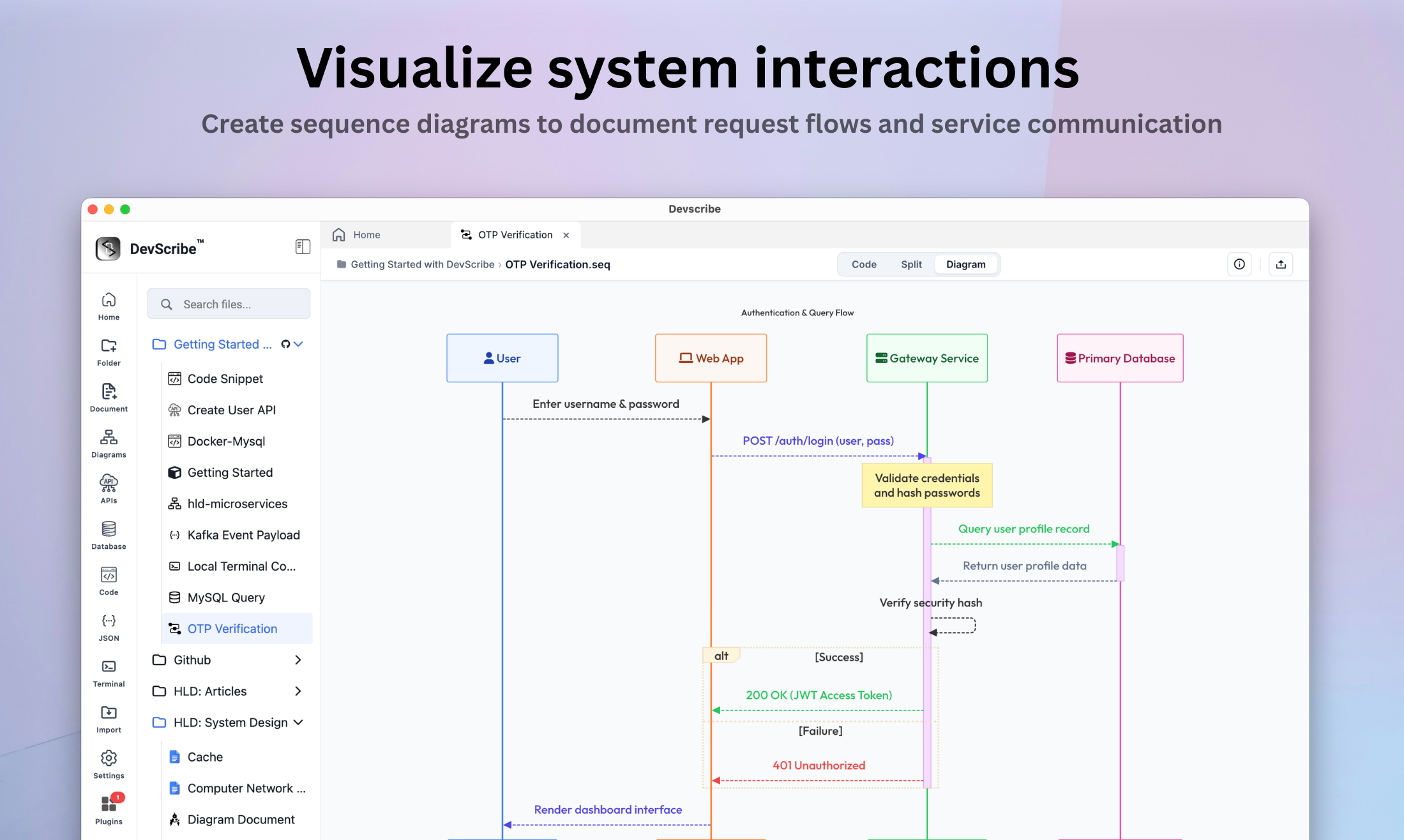
Diagram editor
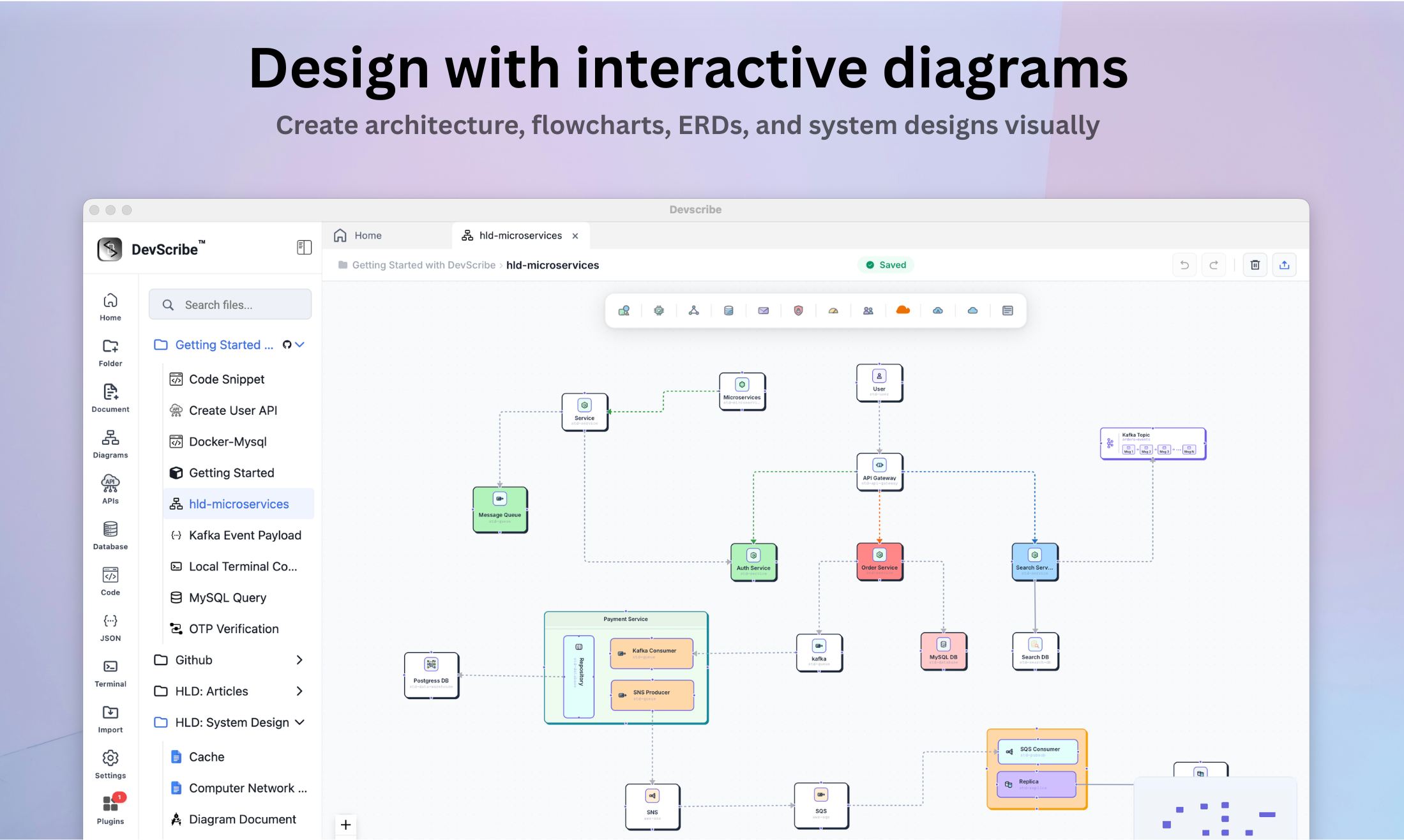
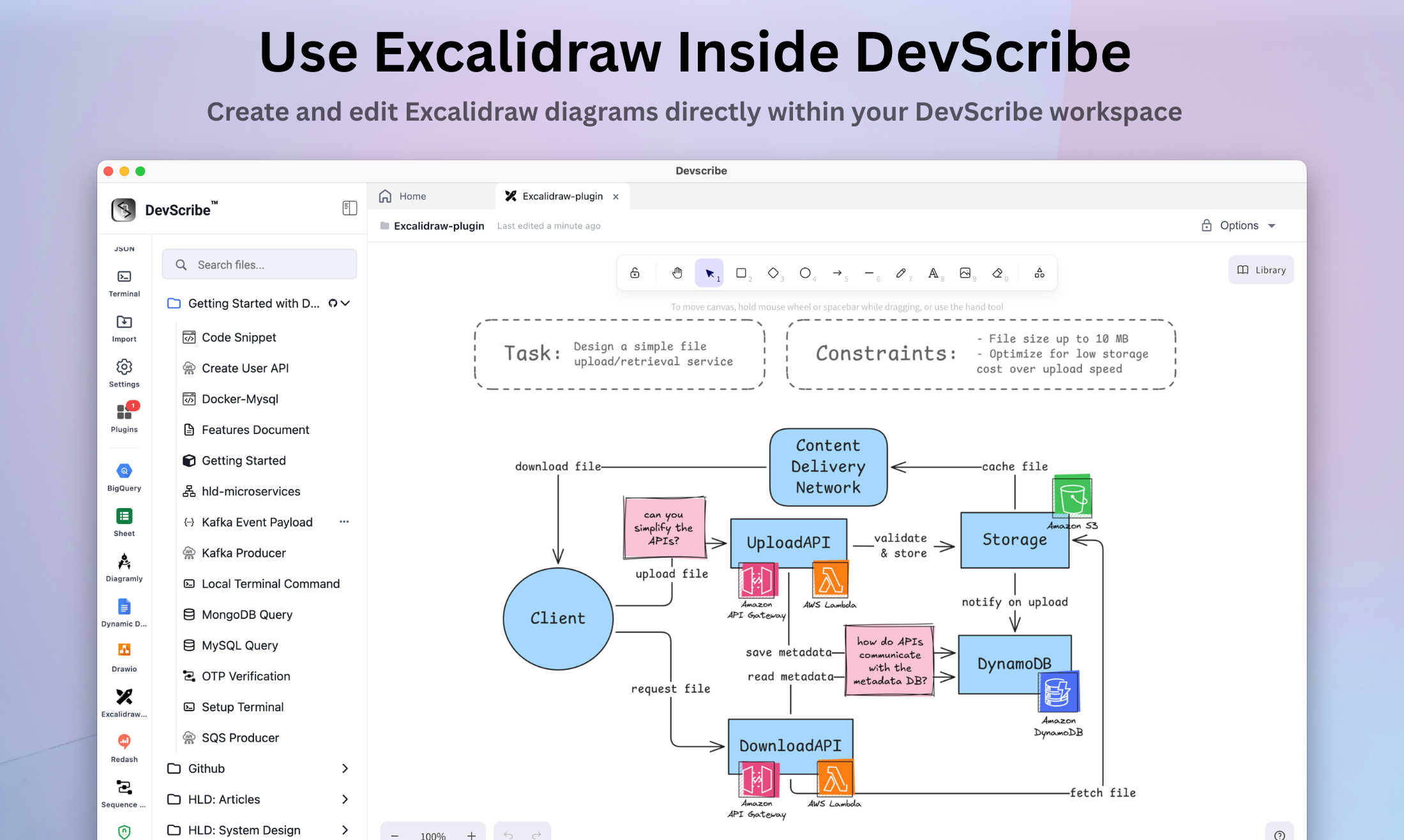
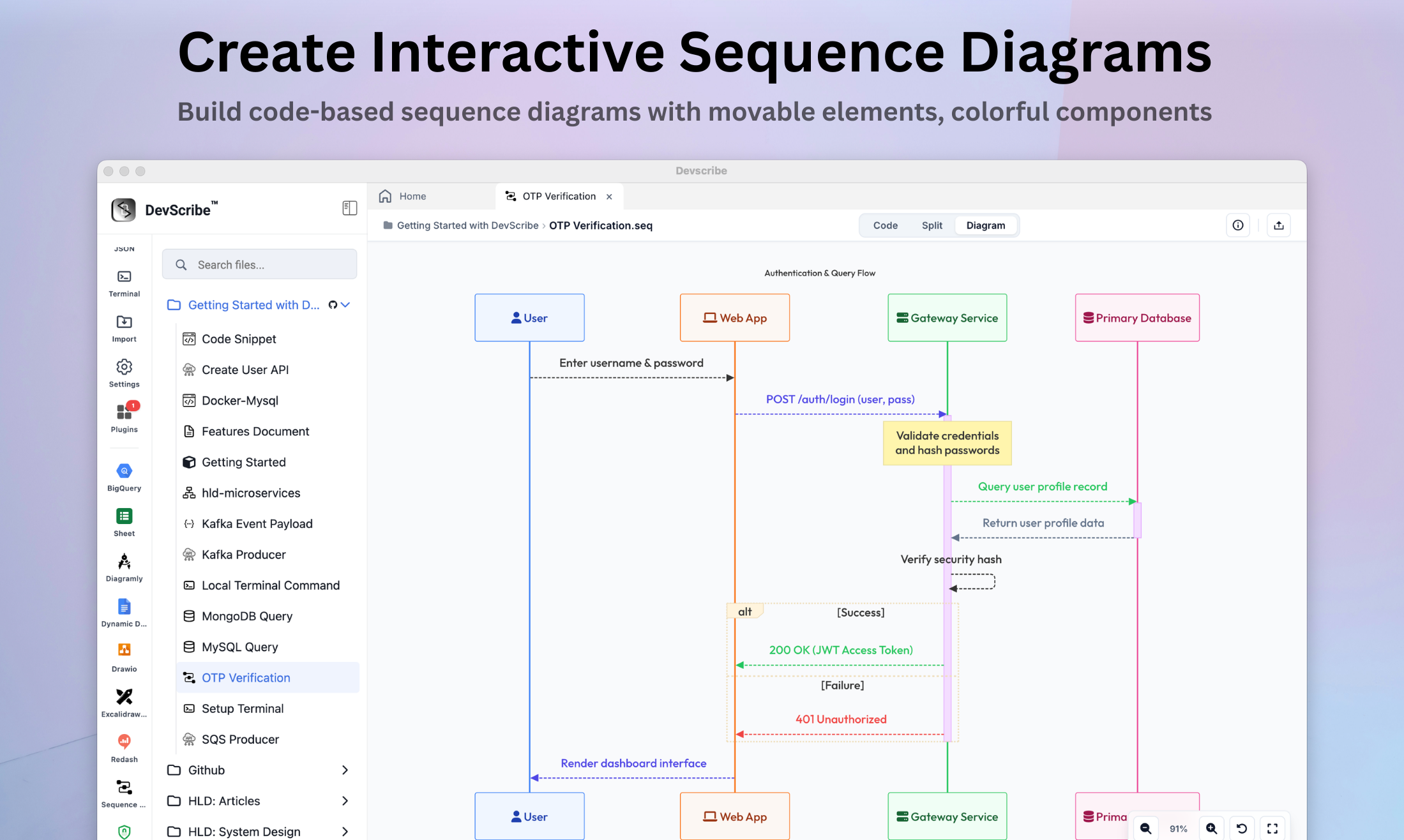
High-fidelity architecture diagramming — build system designs, cloud maps, sequence flows, and network topologies with ease.
  • shapes & icons Cloud libraries for AWS, Azure, GCP
  • hld components Kafka, Pods, Containers, Load Balancers
  • containers Group services into VPCs, subnets, clusters
  • text & annotation Inline rich text editing, labels & more
  • routing Bi-directional ports with smart routing & lines
  • export & embed PNG, Gif & embed diagrams within docs
/code Core plugin
Code editor
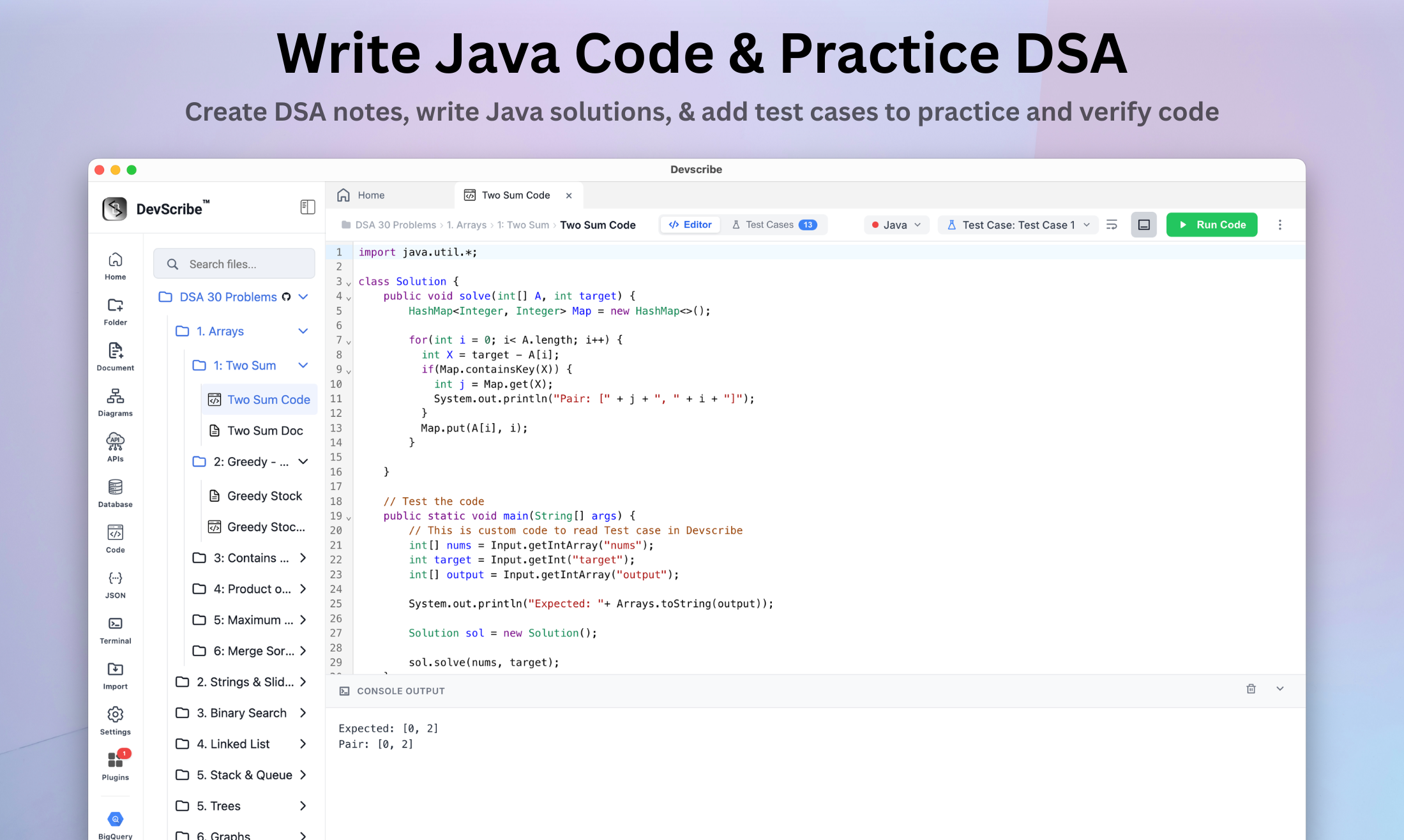
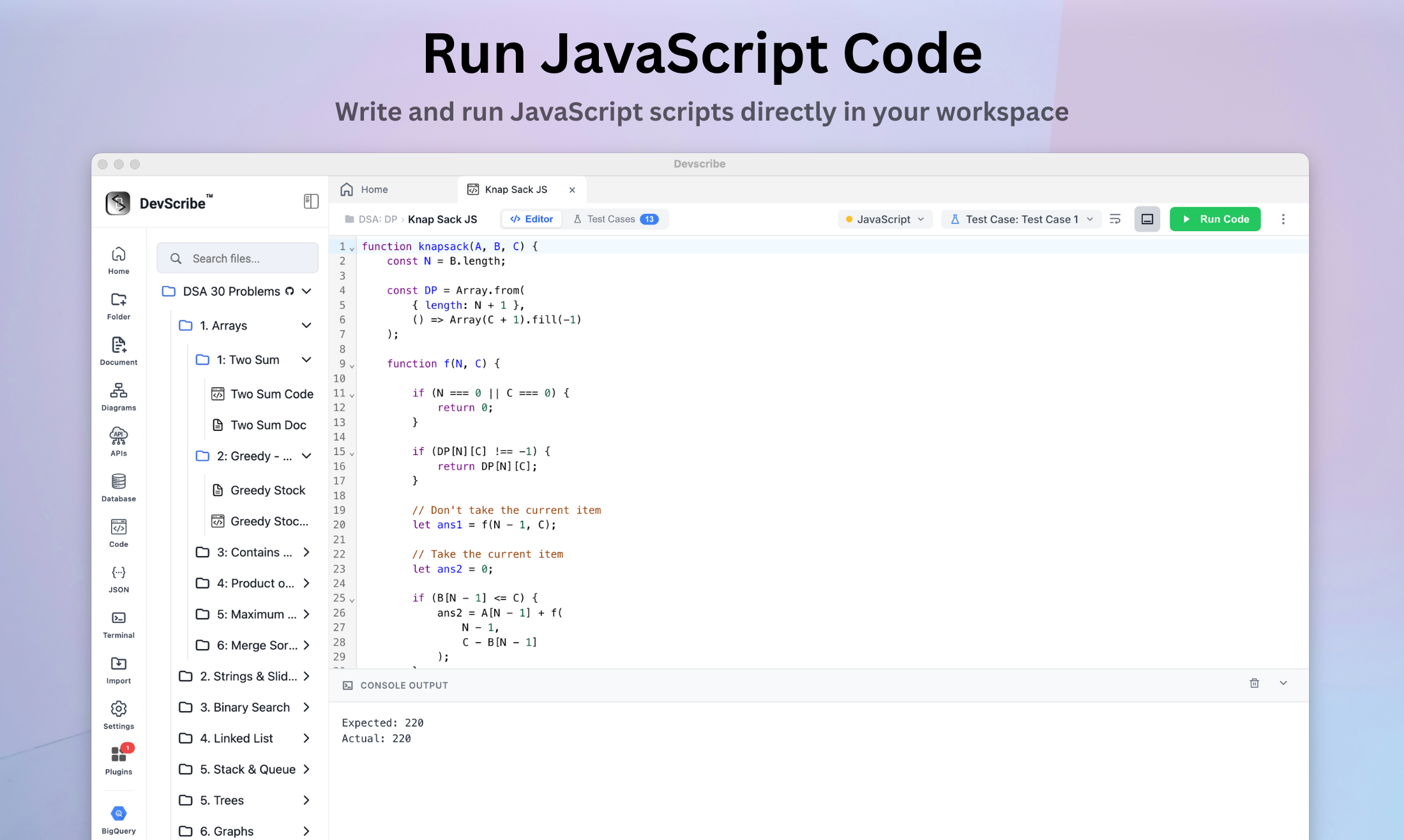
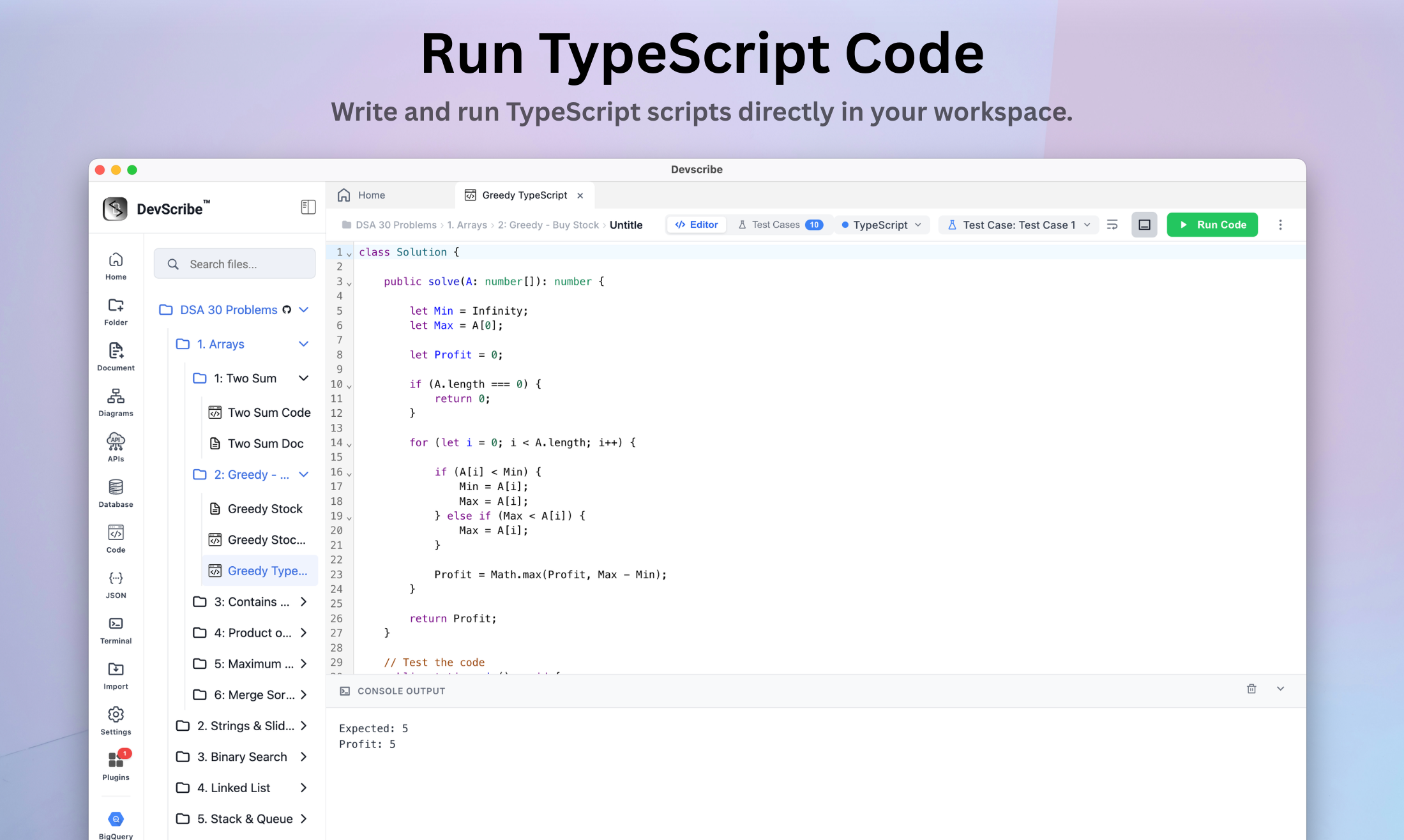
Multi-language code execution engine — write, execute, and test code snippets with live runtime outputs
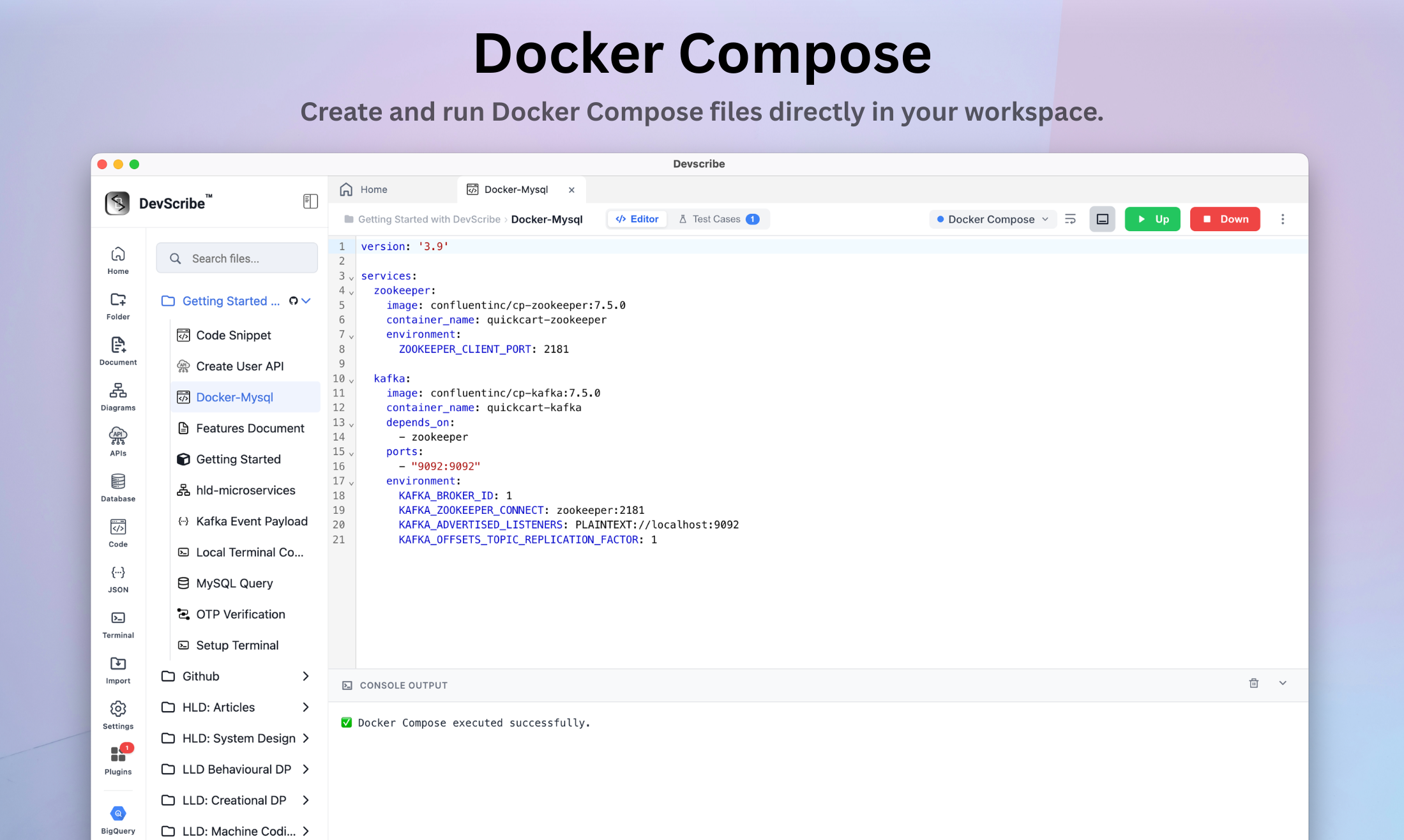
  • languages Run JavaScript, TypeScript, Java, and Docker Compose
  • input injection Automated test case injection via stdin stream
  • runtime console Live terminal output
  • embeds Embed interactive executable code blocks directly within workspace documents
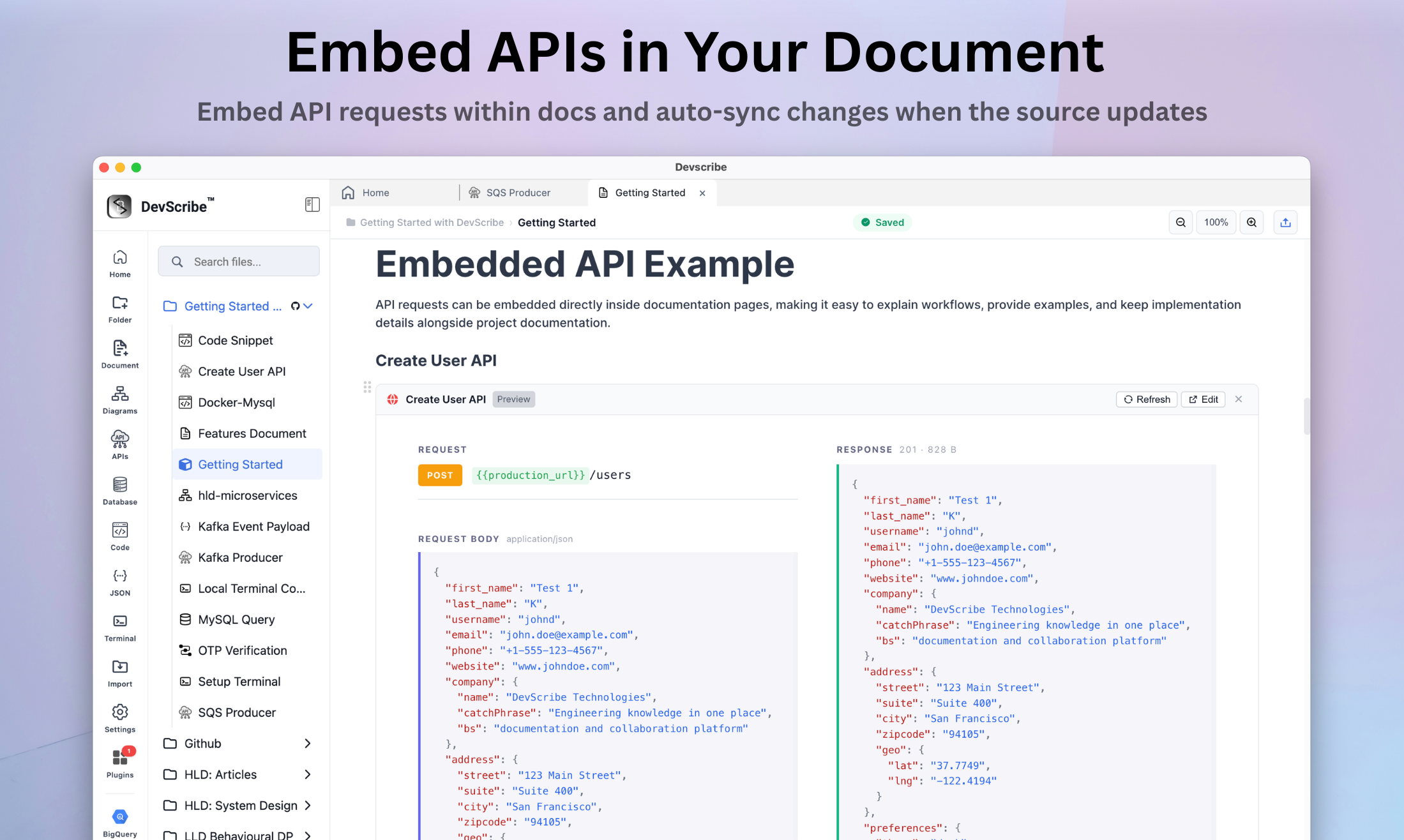
/api Core plugin
Protocol-X documentation
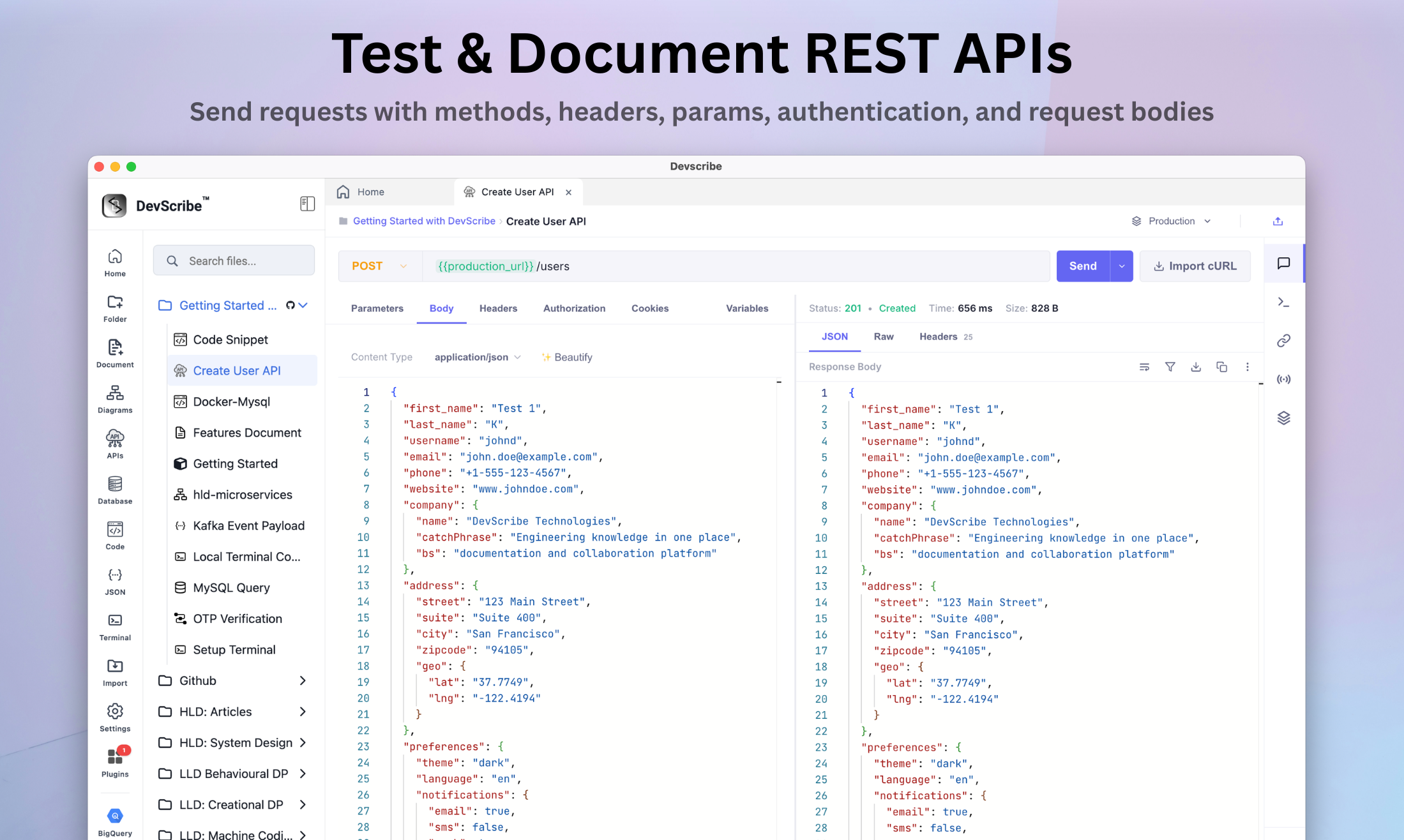
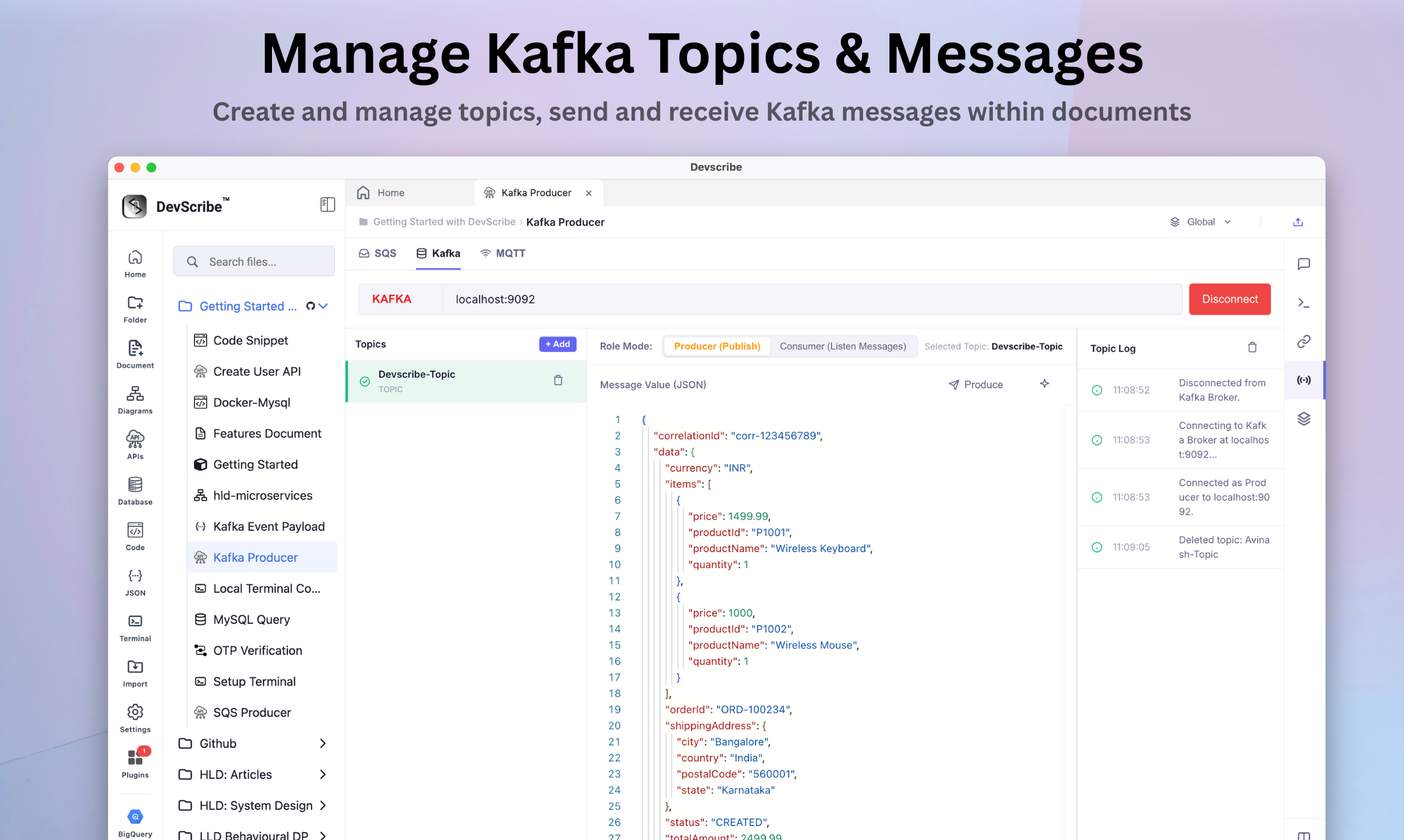
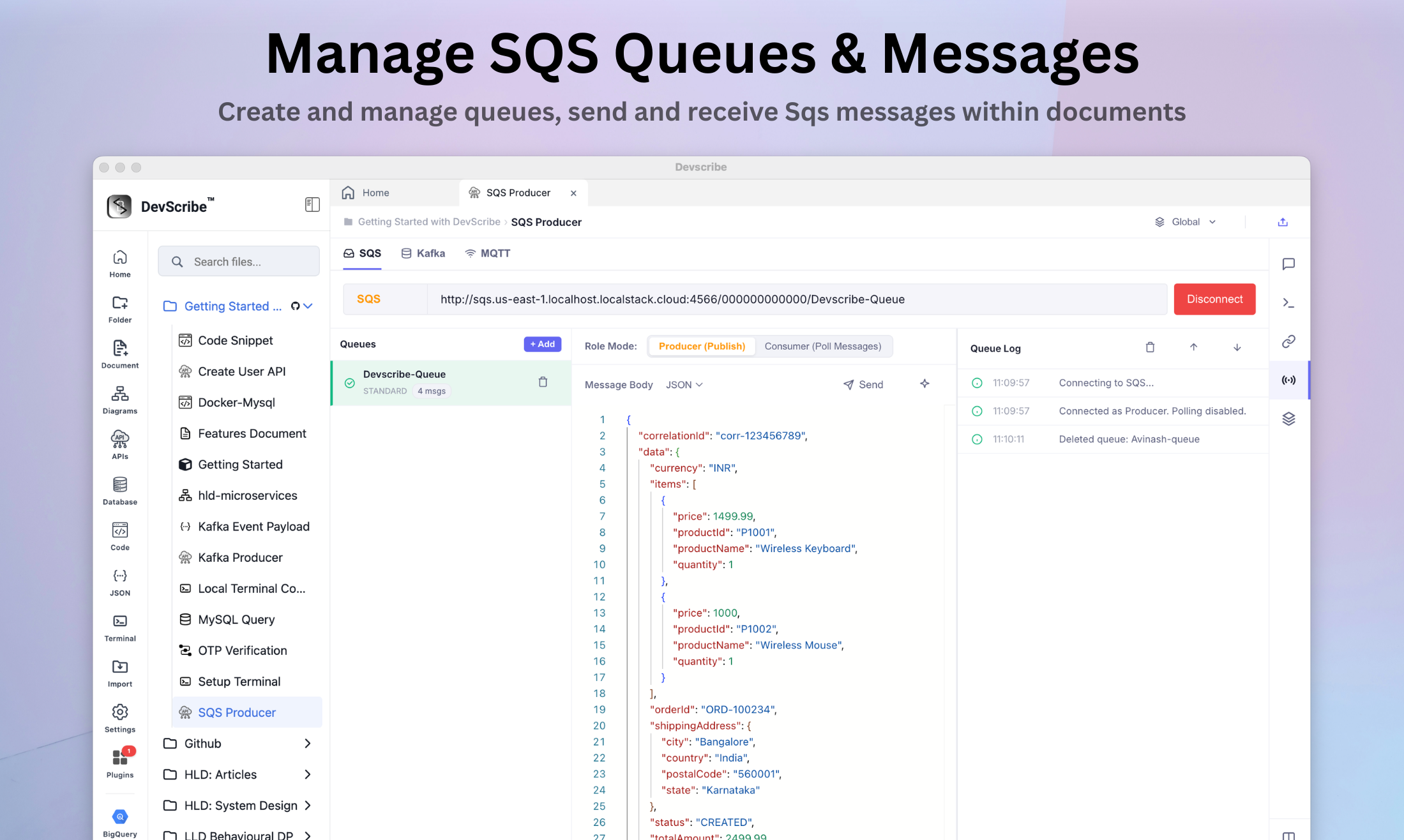
Interactive API client and documentation plugin — design, test, and document REST APIs, event streams, and message queues in one workspace
  • API Supports All methods, headers, params, auth & body
  • realtime Inspect and test WebSocket, SSE & Socket.IO
  • messaging Inspect and test MQTT, Kafka, Amazon SQS
  • environments Manage environment profiles with dynamic variables like {{baseUrl}}
  • embeds Embed live API test runners and event listeners within documents

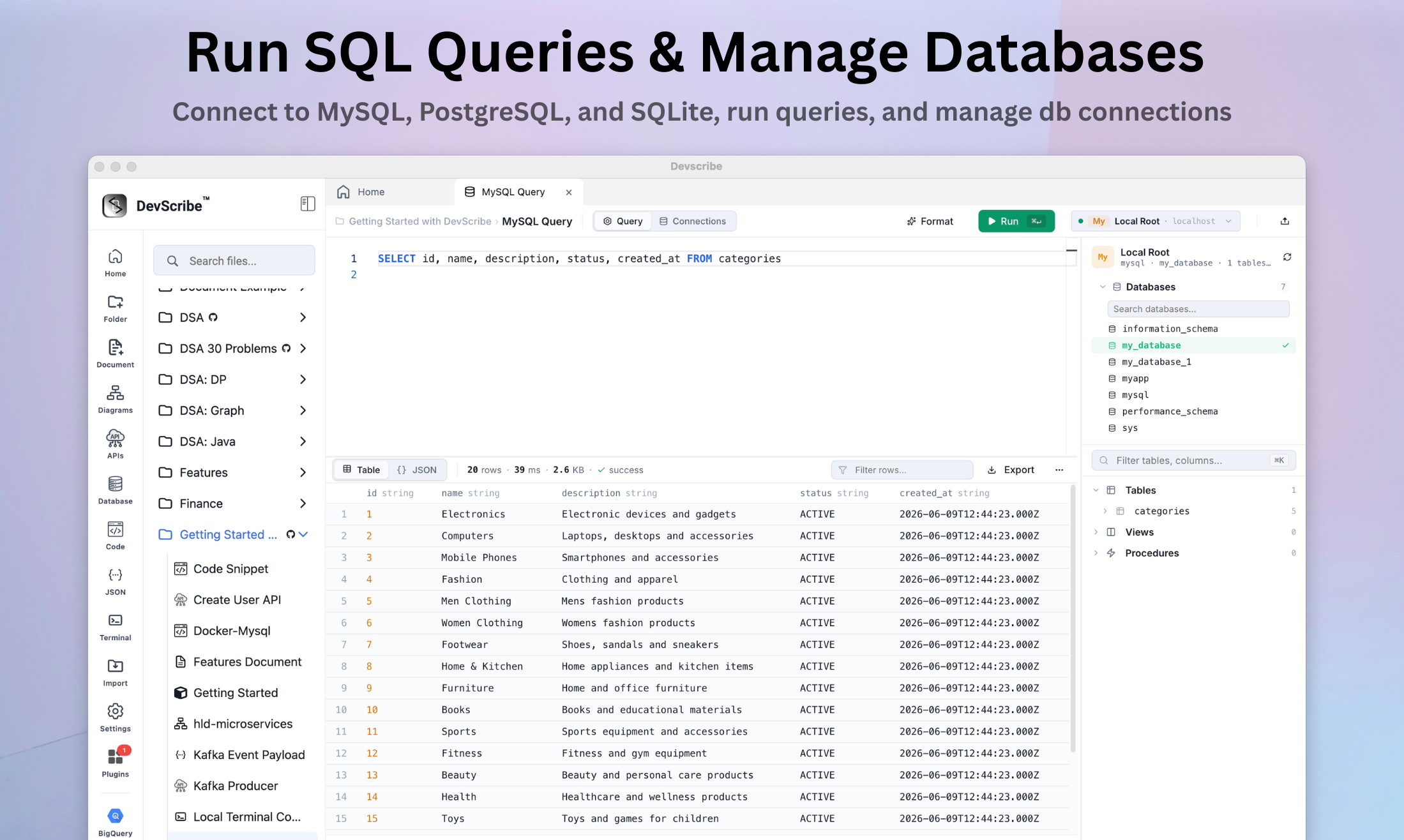
/db Core plugin
Database client
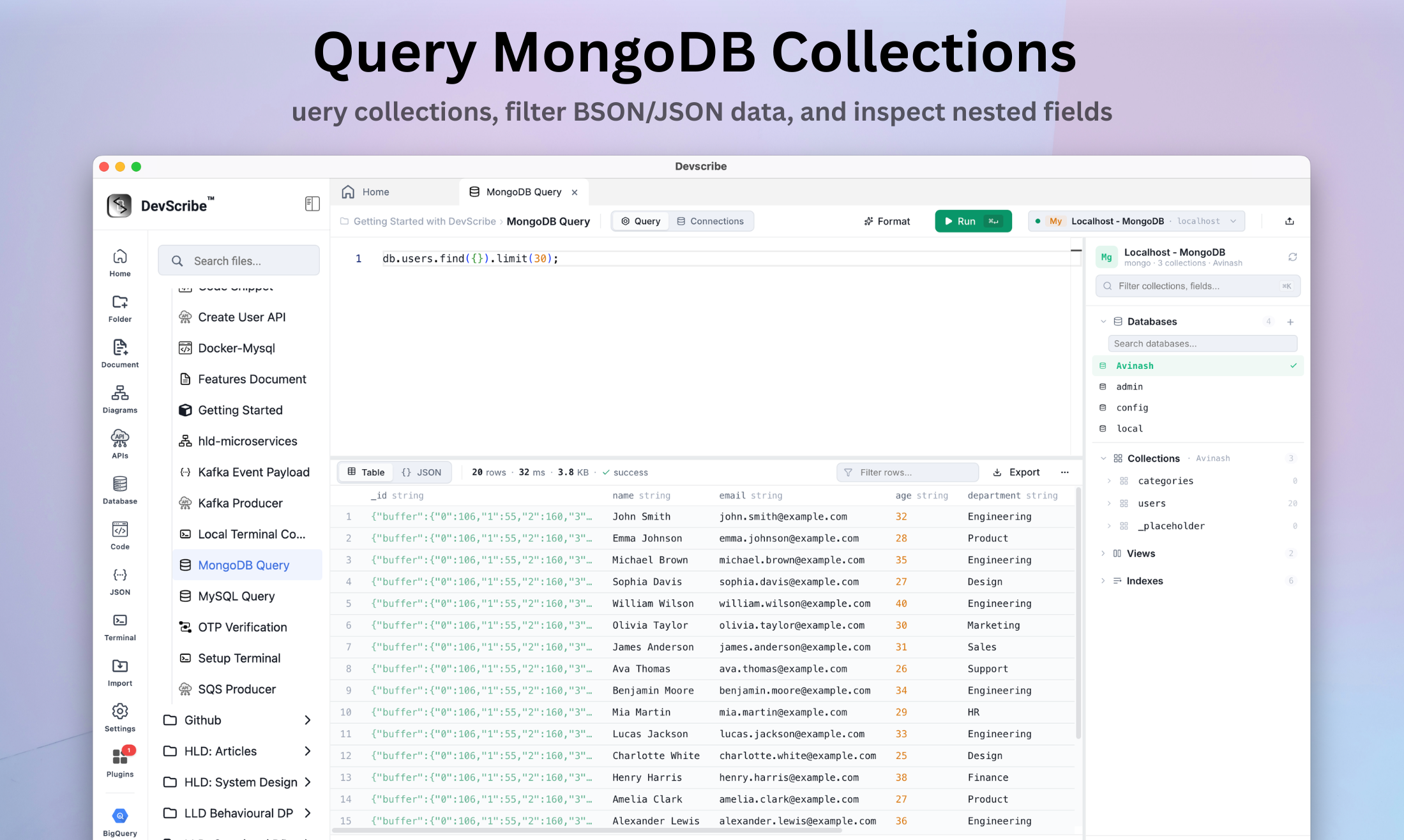
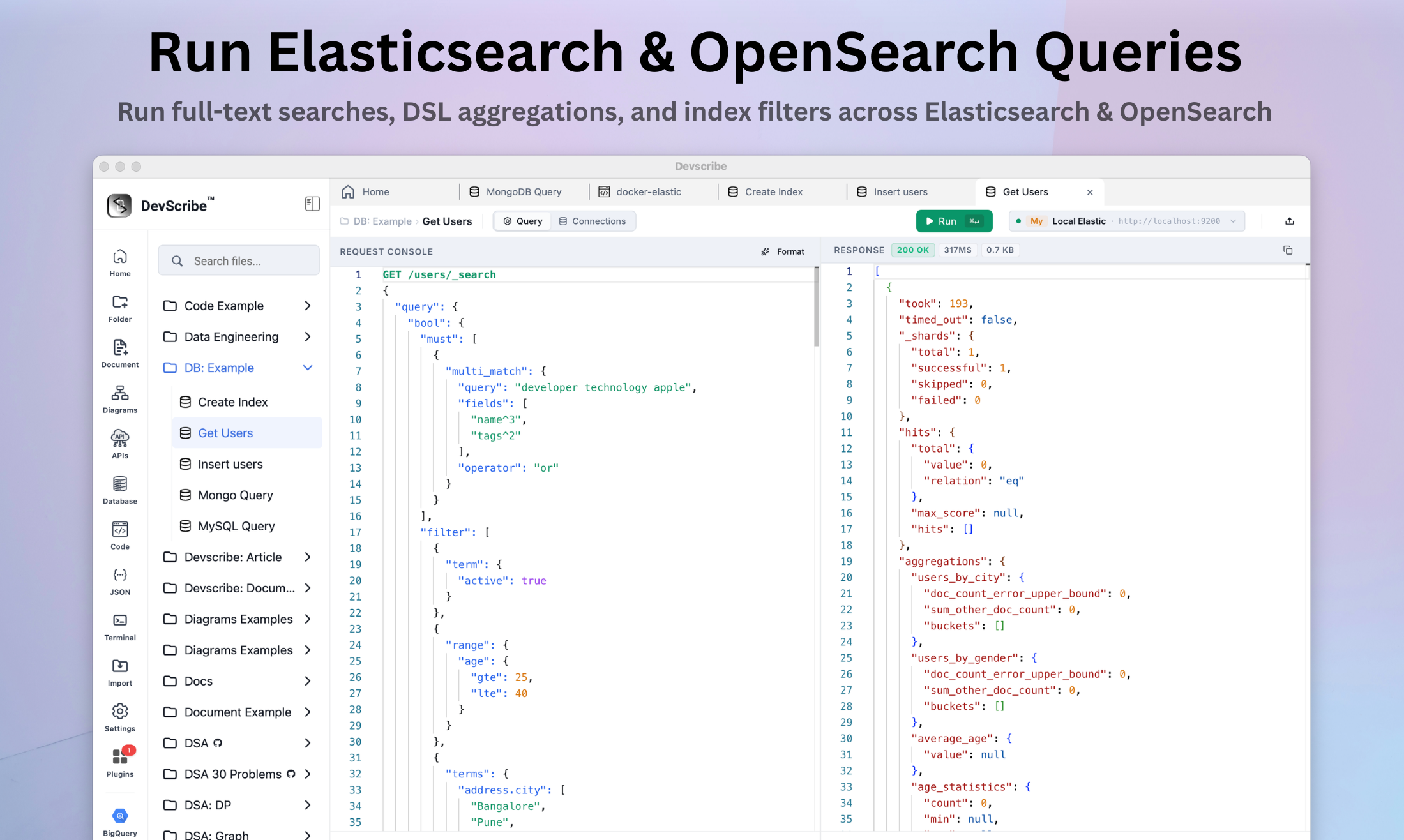
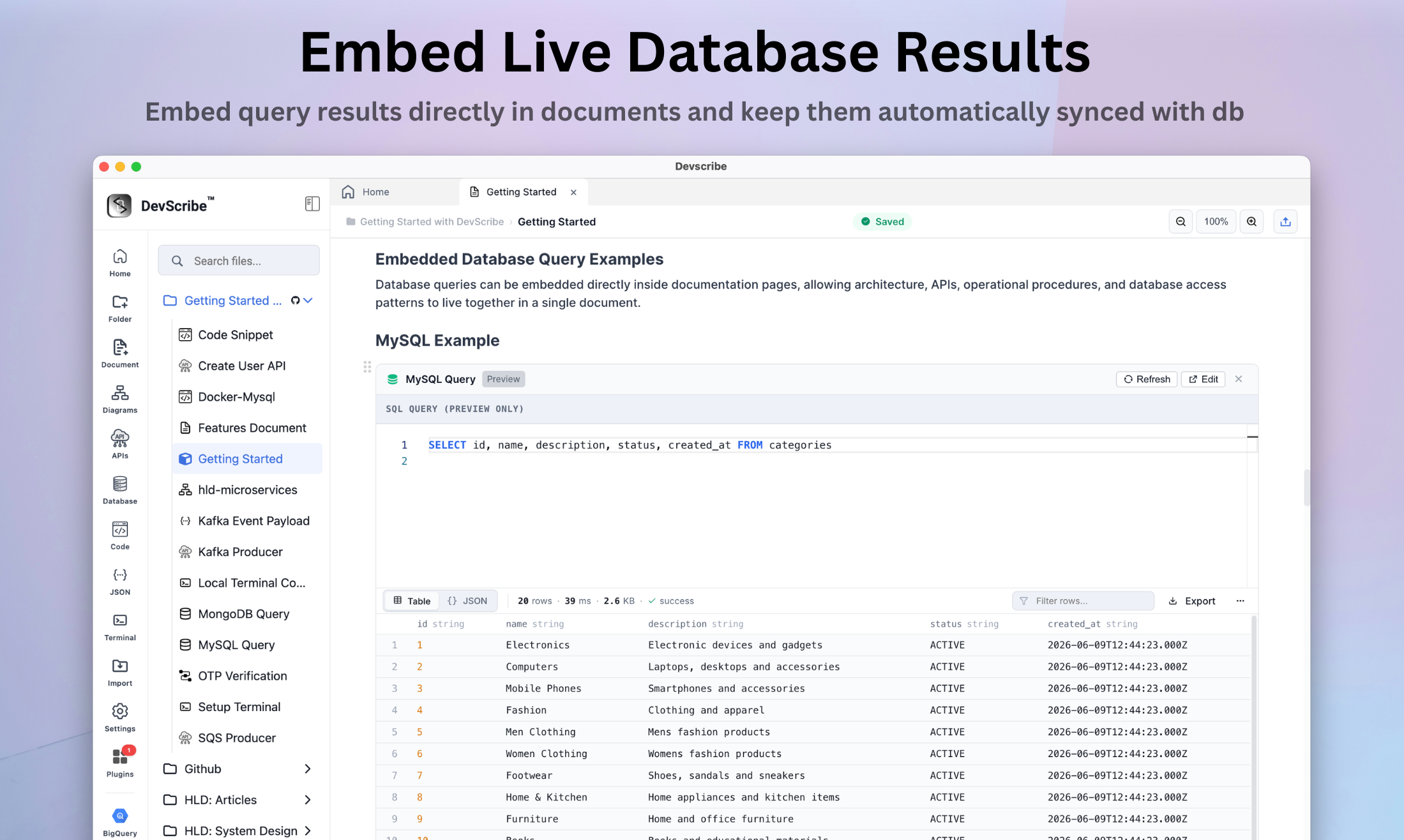
Connect SQL, MongoDB and Elasticsearch browse their schemas and run the queries beside the documents that explain them.
  • sql db Run queries for MySQL, PostgreSQL, and SQLite
  • mongo db Query MongoDB collections and run queries
  • elastic search Execute full-text search queries
  • schema & indexes Browse db schemas, table structures, column definitions, and index mappings
  • result views View data in tabular grids & formatted JSON tree
/terminal Core plugin
Terminal
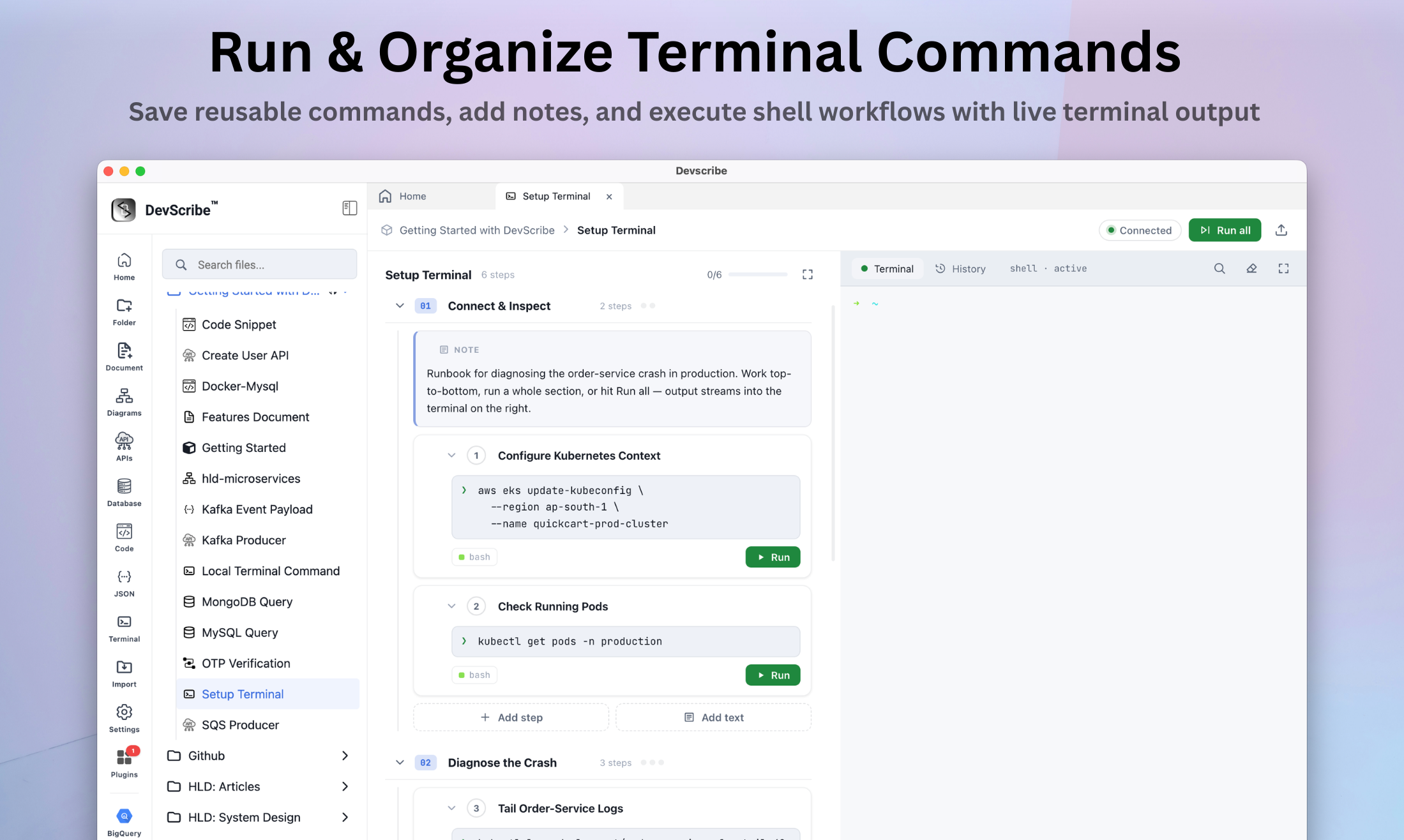
Interactive command scratchpad and executable document editor — save reusable shell commands, structure workflows with notes, and execute bash steps directly alongside live terminal outputs
  • command scratchpad Write, save, and organize shell commands into modular, reusable step blocks for future execution
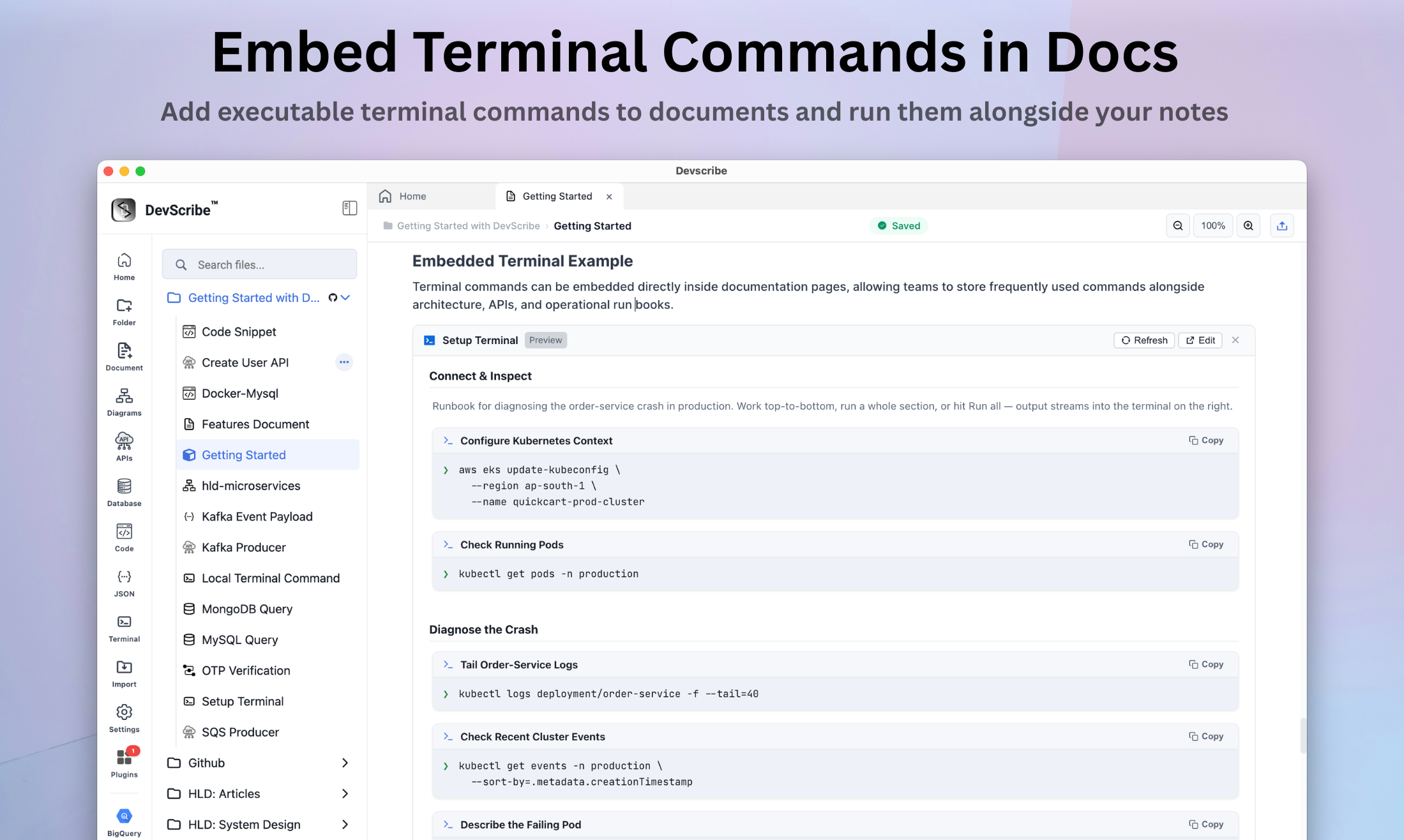
  • embed Store frequently used scripts, parameters, and terminal snippets directly within documents so team members can run them anytime
/json Core plugin
JSON Editor & Analyzer
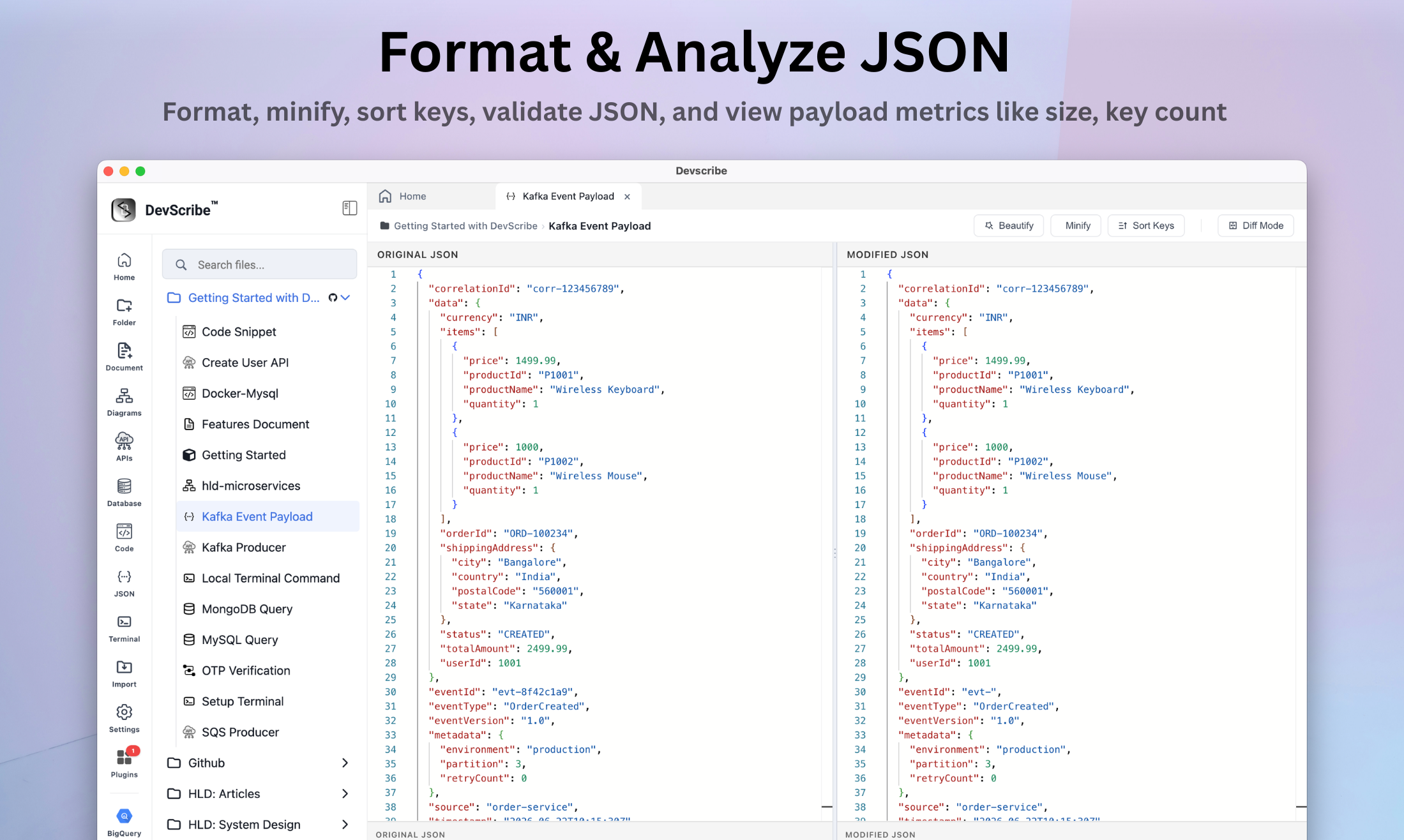
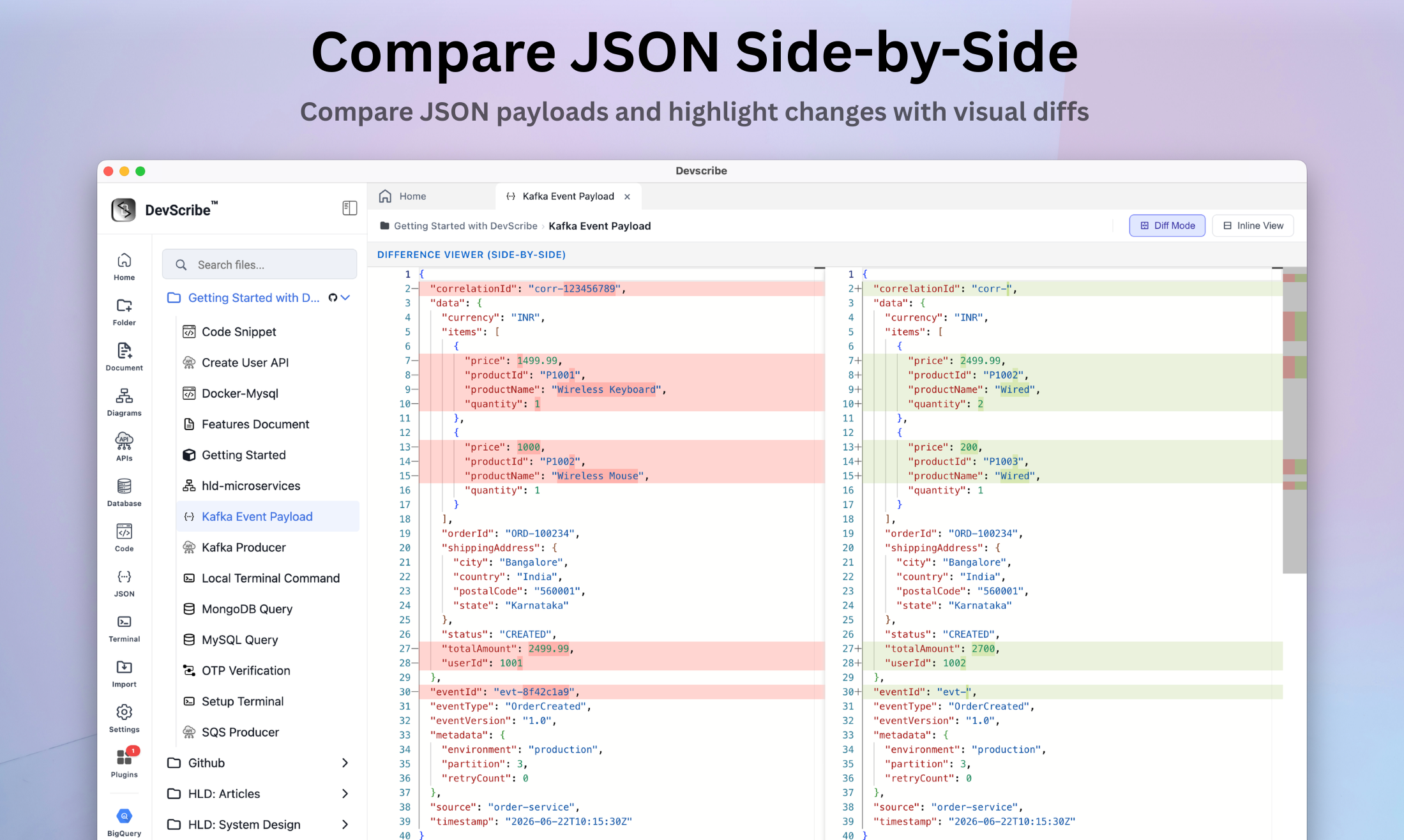
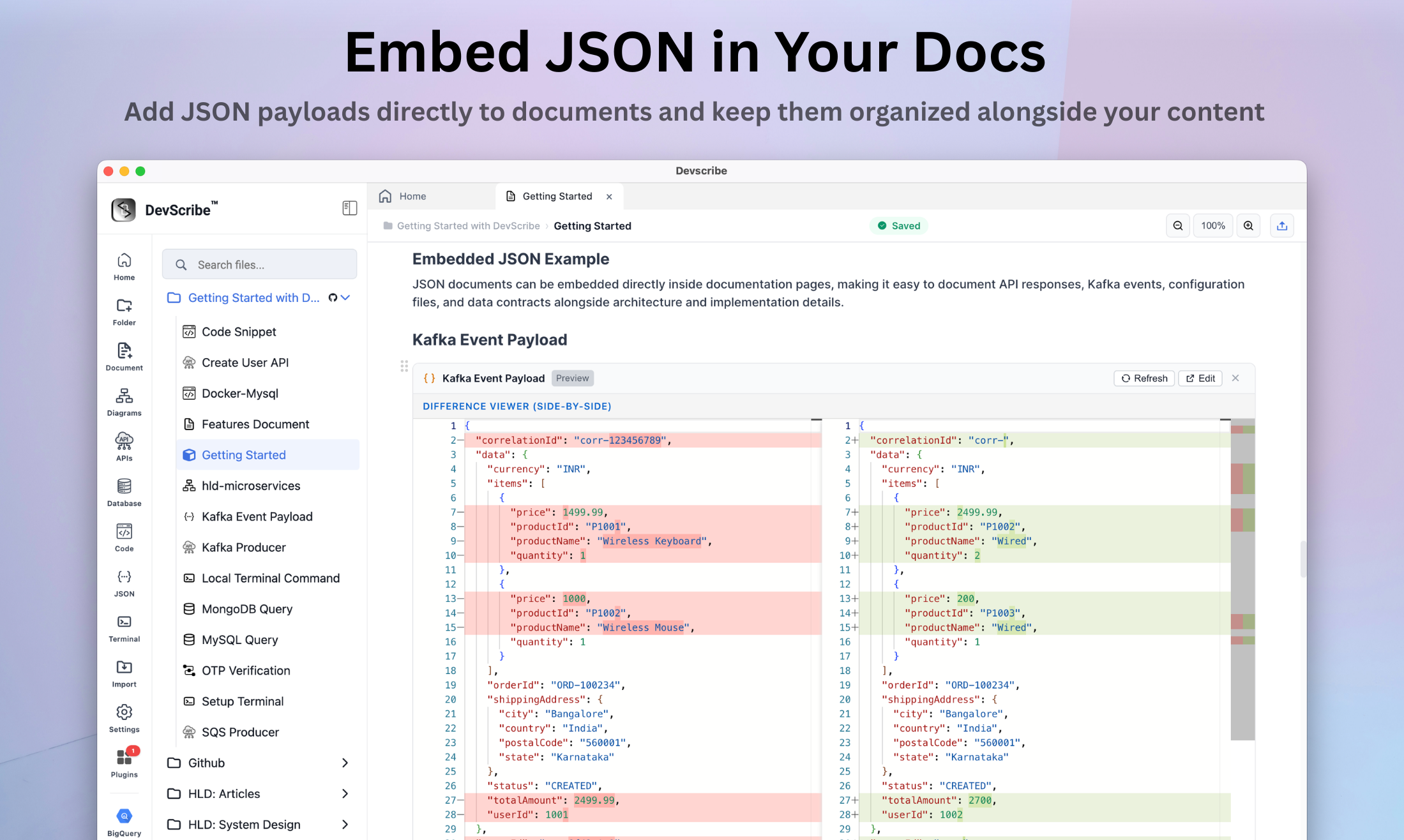
Visual JSON payload explorer and comparison engine — format, analyze payload metrics, and compute side-by-side diffs for complex data structures.
  • beautify & format Instant JSON formatting, payload minification, automatic key sorting, and real-time syntax error validation
  • diff Compare API responses, JSON payloads side-by-side with visual change highlighting
  • sorting & search Sort object keys, search nested properties, and quickly copy cleaned JSON payloads
  • embed & share Embed JSON directly in documentation
/theme Core plugin
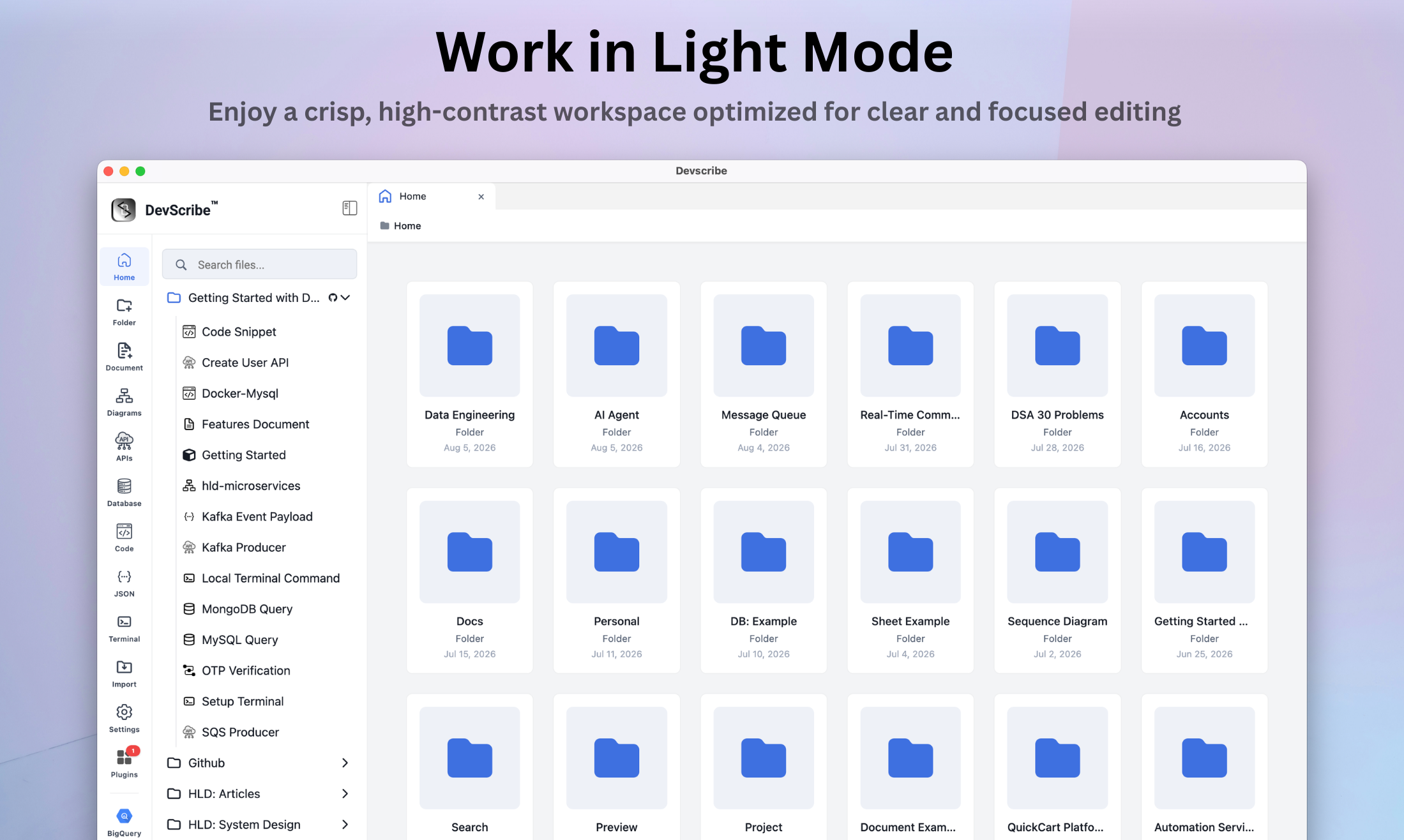
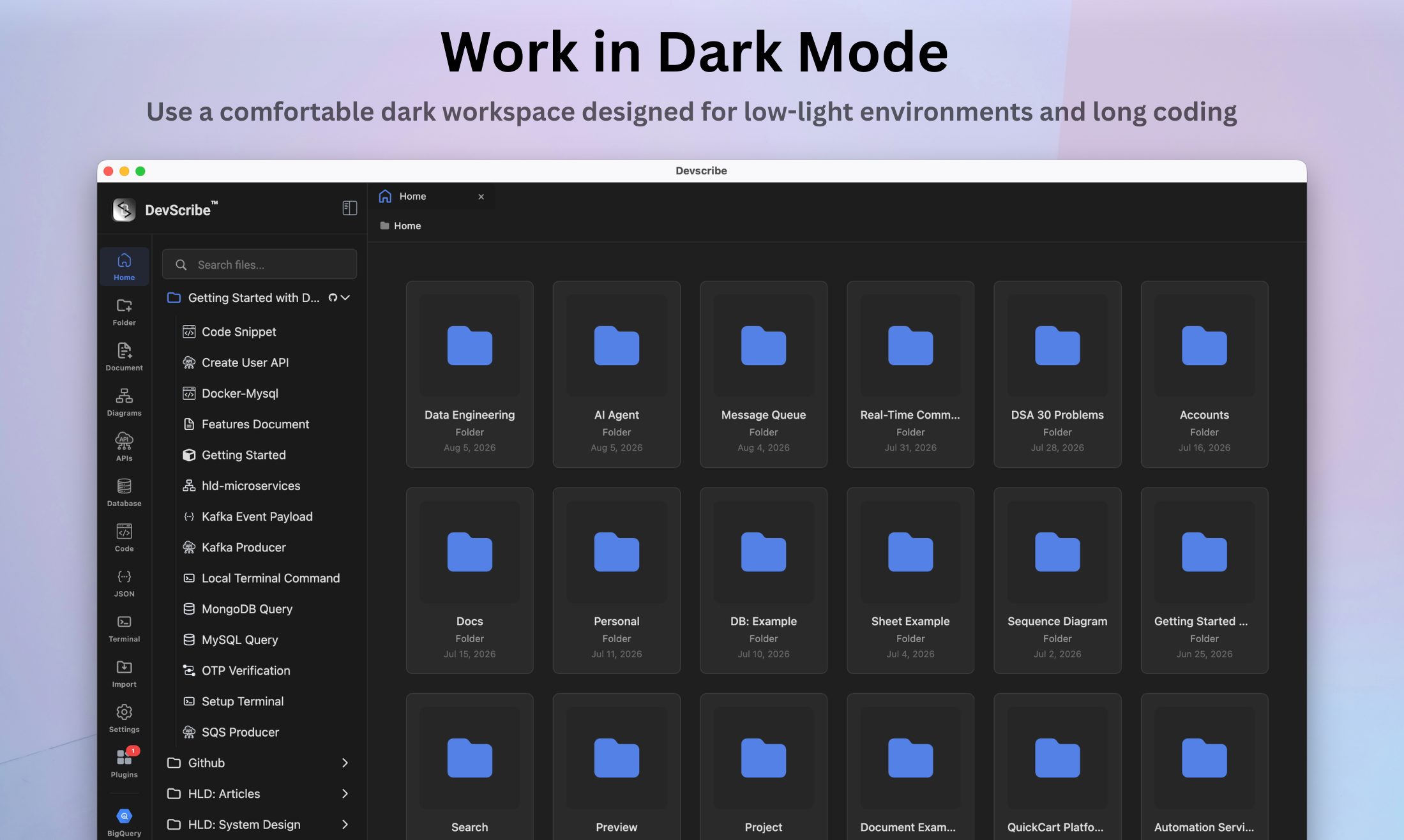
Light and dark themes
The entire workspace — including code editors, interactive diagrams, and plugin outputs — seamlessly adapts to your preferred light or dark theme. Set your theme once & every plugin automatically respects it.
  • dark Full workspace dark mode engineered for comfortable low-light environments and long coding sessions
  • light Default appearance, high-contrast light mode optimized for daylight clarity and focused editing
/plugins Plugin Store
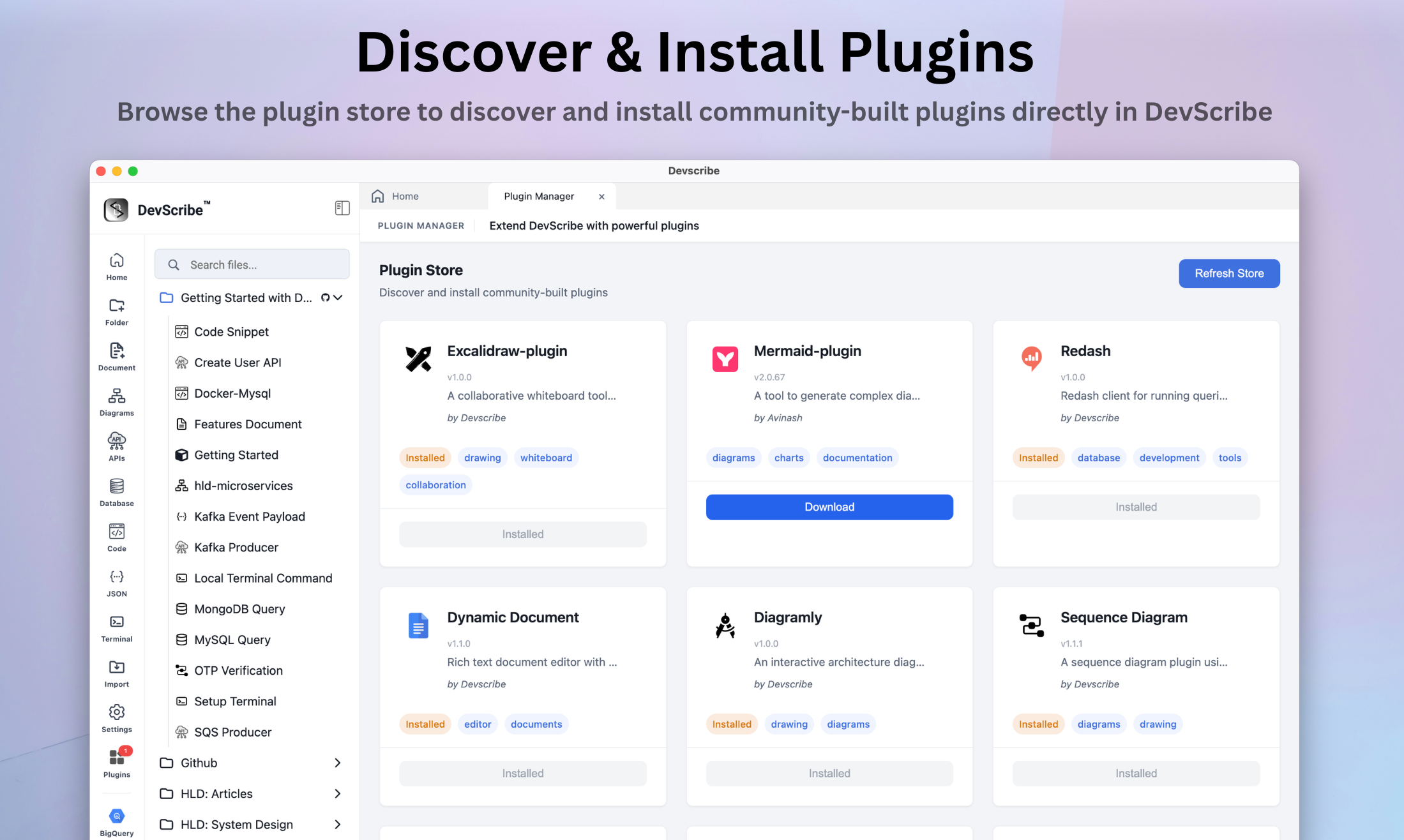
Install community plugins
Browse and install plugins from the community, or build your own custom plugins using DevScribe’s plugin API.
  • browse & install Discover and install plugins from the plugin store
  • custom Create private plugins using the same block API as core plugins

Capability index

Everything in the box.

The complete list, grouped by what you are doing at the time. All of it works offline.

GitHub Integration
  • Link any folder or collection to a GitHub repository, branch, and sub-path.
  • Push and pull workspace changes to keep local files and GitHub in sync.
  • Encrypt files with client-side AES-256 before pushing them to GitHub.
  • Authenticate securely using a GitHub Personal Access Token (PAT).
Collection & File Import/Export
  • Export and import DevScribe folders using .dscollection format.
  • Import Postman collections using .json files directly into DevScribe workspace folders.
  • Open individual .ds formate files, directly into DevScribe folders.
  • Import .ds formate, files in directly into DevScribe folders.
Code
  • Run JavaScript, TypeScript, Java, Python, Shell/Bash, and SQL code directly inside the editor.
  • Execute Docker Compose files without leaving the workspace.
  • Save, organize, and execute reusable terminal commands and shell scripts.
Document Editor
  • Paste Markdown directly into the editor and automatically convert it into native blocks while preserving code blocks.
  • Create headings, code blocks, lists, checkboxes, quotes, and horizontal rules using shortcuts such as #, ```, -, 1., [], >, and ---.
  • Automatically transform symbols such as -> → →, => → ⇒, != → ≠, >= → ≥, and <= → ≤.
  • Export documents as native DevScribe .ds, Markdown .md, or HTML .html files.
  • Zoom from 50%–200%, automatic saving, Ctrl/Cmd + S manual save, theme synchronization, and path breadcrumbs.
Diagram Editor
  • Visualize data flows with animated connections, customizable edge curves, arrow markers, and relationship labels.
  • Customize nodes and edges with color palettes, custom hex colors, stroke widths, line styles, and fill transparency.
  • Select, group, lock, rotate, and align multiple canvas elements with snap-to-grid controls.
  • Navigate an infinite canvas with pan, zoom, fit-to-screen, customizable grid backgrounds, and an interactive Minimap.
  • Search and insert components from AWS, Azure, GCP, Messaging, Data Storage, Security, and DevOps libraries.
  • Undo and redo canvas changes with Ctrl/Cmd + Z and Ctrl/Cmd + Shift + Z shortcuts.
Code
  • Run JavaScript, TypeScript, Java, Python, Shell/Bash, and SQL code directly inside the editor.
  • Execute Docker Compose files without leaving the workspace.
  • Save, organize, and execute reusable terminal commands and shell scripts.
  • Store and manage Dockerfiles, Docker Compose, YAML, and infrastructure configuration files.

One workspace instead of nine.

Devscribe replaces the tools most engineers keep open all day.
Notion Draw.io Postman DBeaver Database clients Kibana Terminal apps API clients Code playgrounds

Try it on your own project.