
Embedding Code Snippet
Code files are embedded directly into your documentation as interactive code documents rather than static code snippets. Readers can review implementations, algorithms, utilities, configuration files, and examples without leaving the documentation, making it easier to understand the surrounding context.
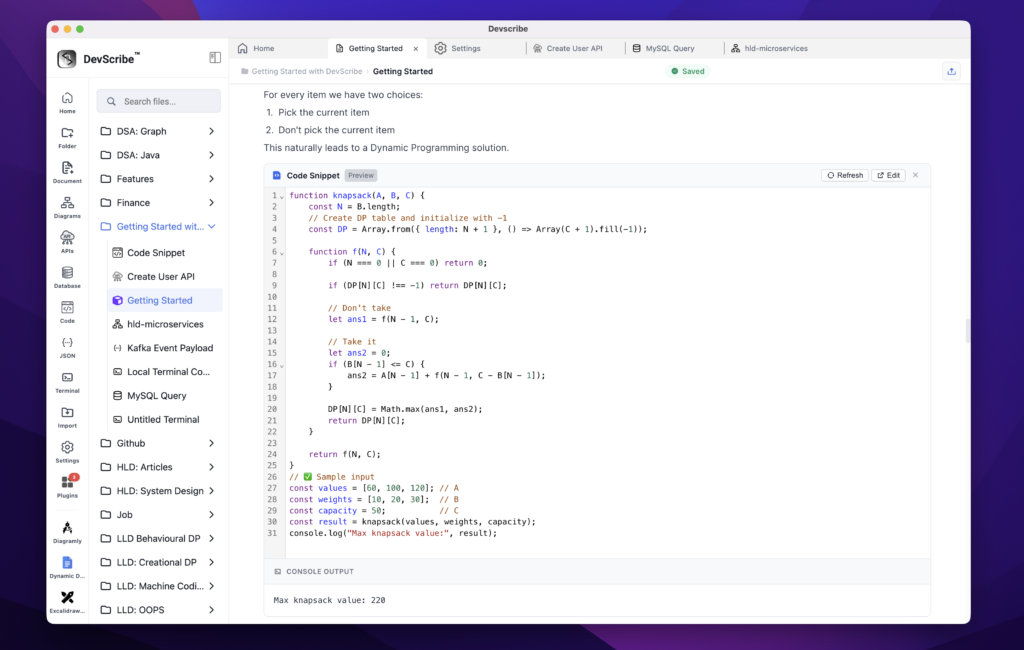
When you need to modify or execute the code, simply click Edit on the embedded code file. DevScribe opens the file in the Code Plugin, where you can edit the source code, run it, inspect the output, and save your changes. Any updates are automatically reflected in the embedded documentation since both views reference the same underlying file.
The Code Plugin supports running code in multiple programming languages, allowing you to keep executable examples alongside your documentation. Whether you’re demonstrating Java, JavaScript, TypeScript, Docker Compose configurations, or other supported languages, your code remains both executable and synchronized with your documentation.
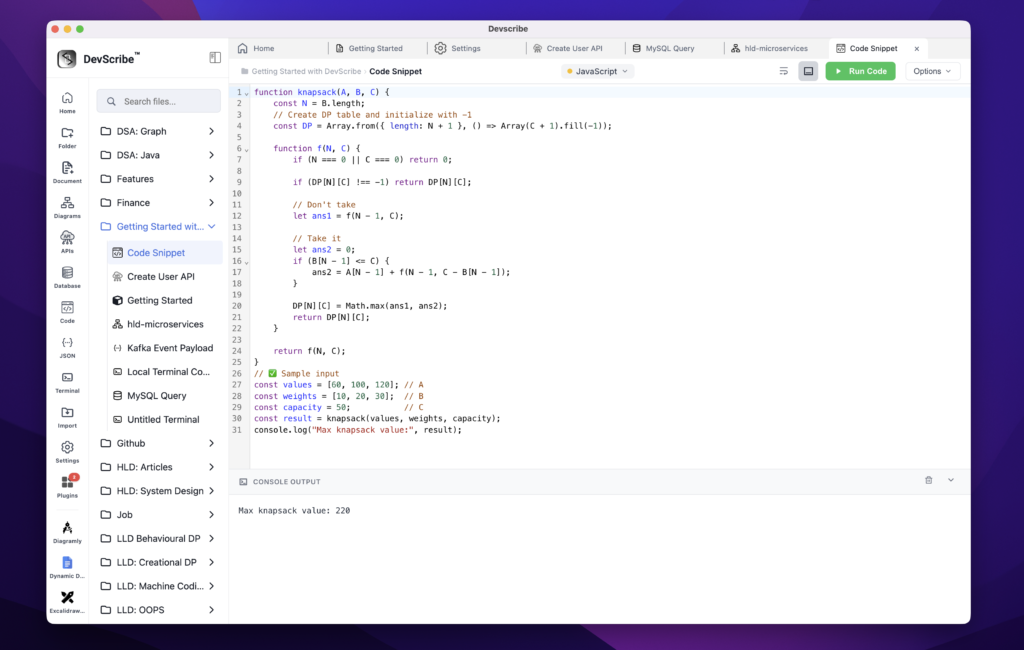
This eliminates the need to switch between documentation tools and external IDEs or editors when reviewing or testing sample code. Your documentation becomes a living engineering reference where code can be understood, executed, and maintained from a single workspace.
