Embedding API Document
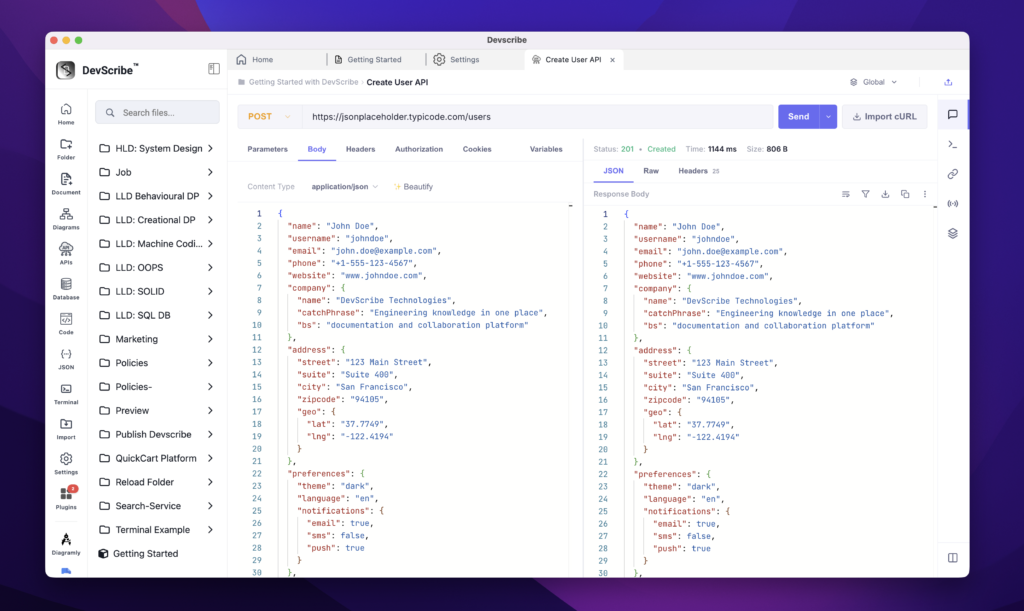
API files are embedded directly into your documentation as interactive API documentation rather than simple links. When embedded, DevScribe automatically presents the API in a clean, documentation-friendly format, displaying the endpoint, method, headers, path parameters, query parameters, request body, response examples, and other API details.
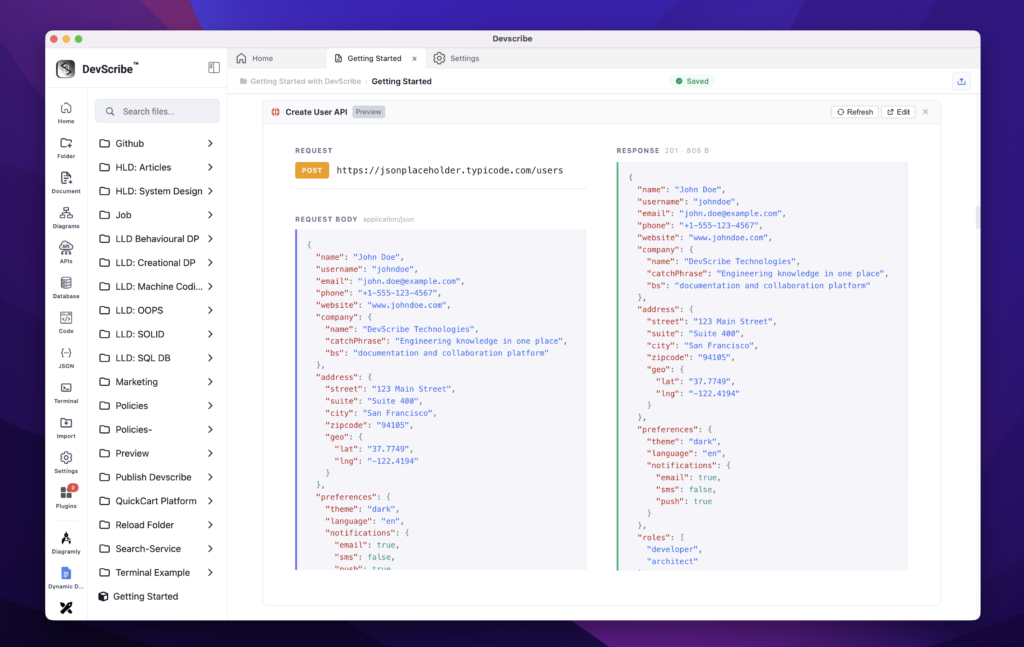
This allows readers to understand the API without opening a separate Postman or Bruno collection, making the documentation more readable and self-contained.
If you need to test or modify the request, simply click Edit on the embedded API. DevScribe opens the API in the full API Plugin, where you can update the request, execute it, inspect the response, and save your changes. Any updates are automatically reflected in the embedded documentation since both views reference the same underlying API file.
This provides the best of both worlds—a clean API contract for documentation and a full-featured API client for testing and development.