
Create API File
The API Plugin allows you to create API files for testing, organizing, and documenting your APIs in one place. Each API file can contain multiple requests, making it easy to group endpoints by service, feature, or microservice. API files can also be embedded into your documentation, ensuring your API documentation always stays synchronized with the latest changes.
Create from a Project Folder
Create an API file inside a project folder to keep it organized alongside your documentation, architecture diagrams, database queries, code files, terminal scripts, and other project artifacts.
How to Create
- Navigate to the folder where you want to create the API file.
- Click the horizontal three-dot (⋯) More Options menu next to the folder.
- Click Add API Document.
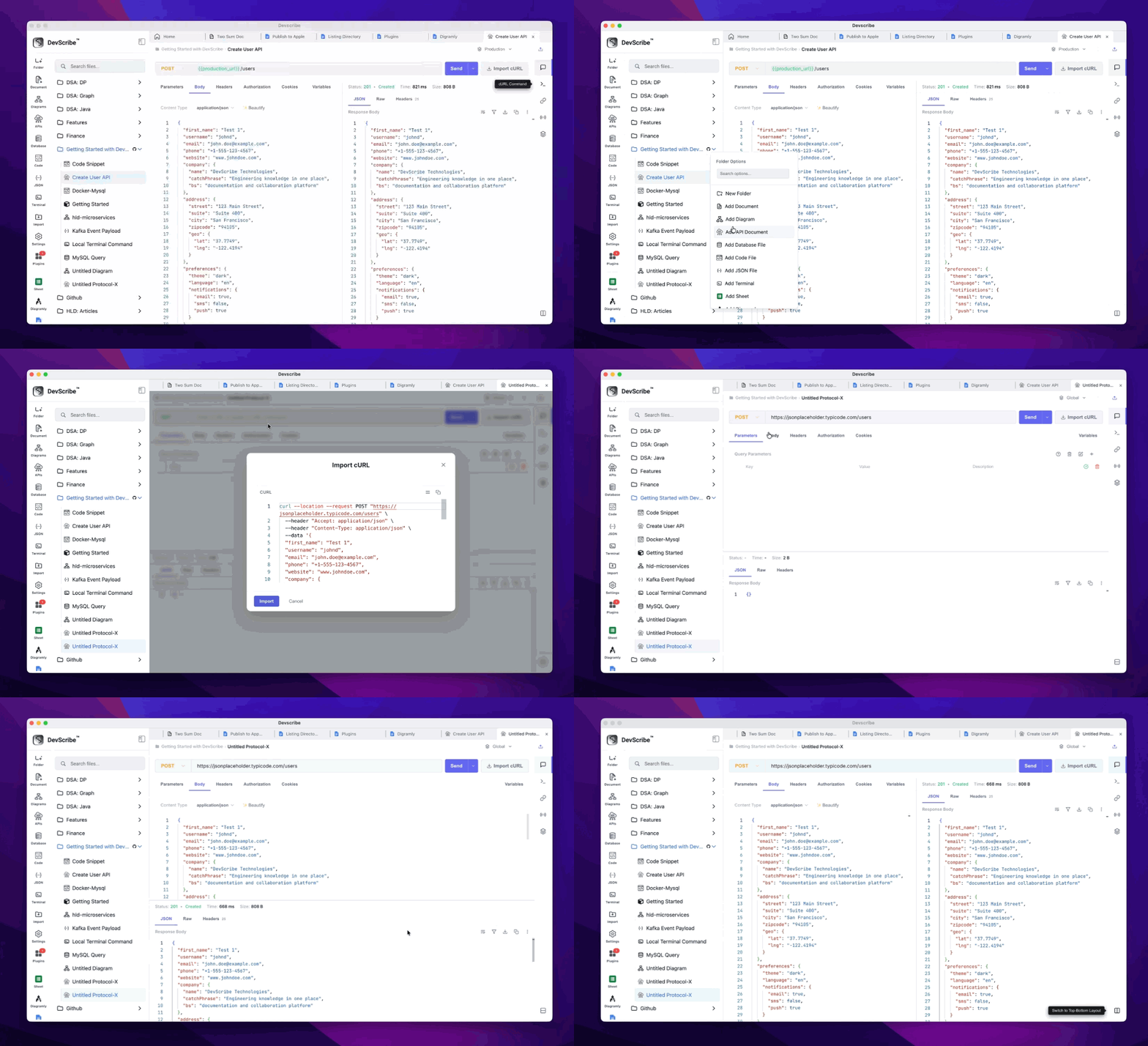
The new API file will be added to the selected folder and opened automatically in the API Plugin, where you can immediately begin creating and testing API requests.
Create from the Left Navigation Bar
You can also create an API file directly from the left navigation panel for quick access.
How to Create
- Click the API icon in the left navigation bar.
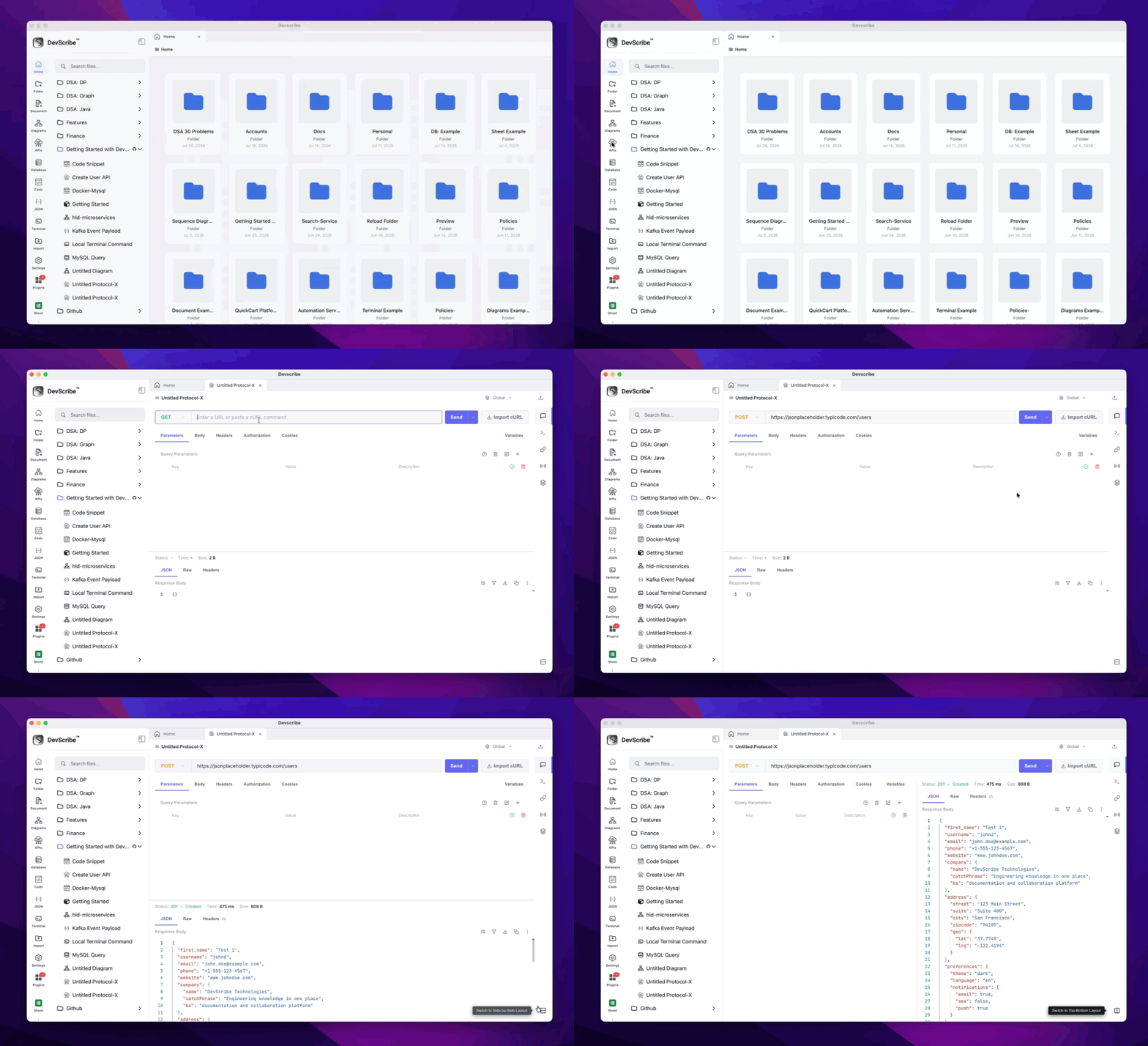
A new API file is created and opened in the API Plugin, allowing you to immediately start creating requests, testing APIs, and documenting your endpoints.
