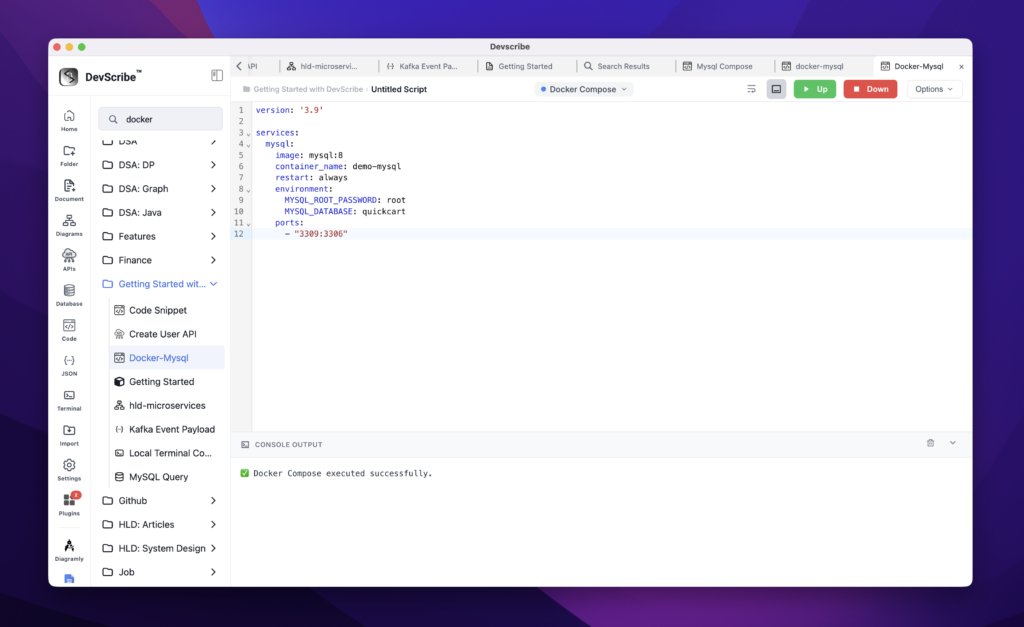
Embedding Docker-Compose
Docker configuration files are embedded directly into your documentation as interactive configuration documents rather than static code snippets. Docker Compose files, Dockerfiles, and related configuration files are rendered with syntax highlighting, making deployment and local development setups easy to understand without leaving the documentation.
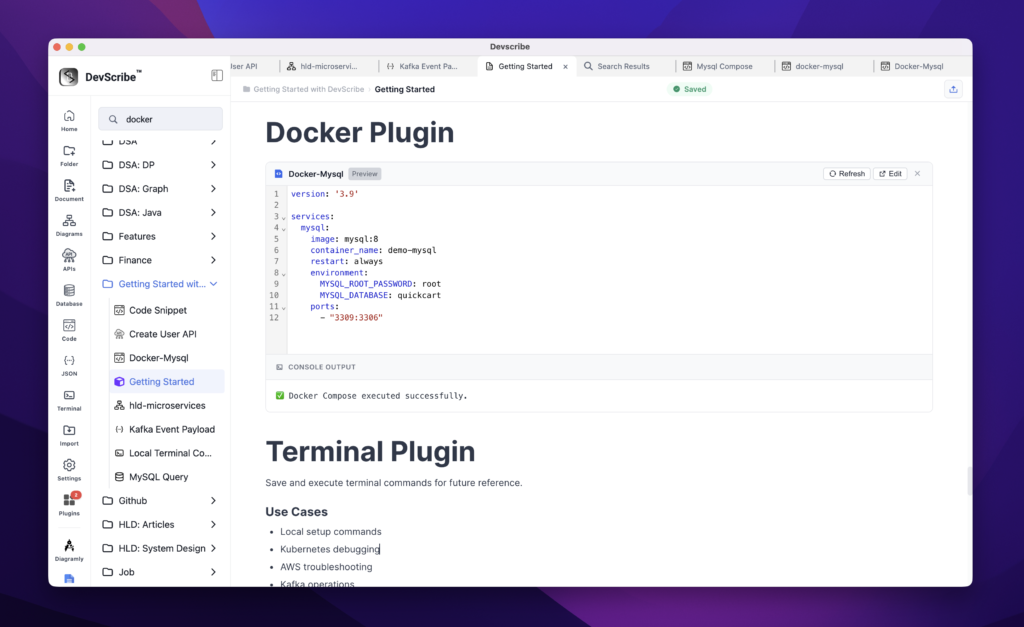
When you need to update or execute a configuration, simply click Edit on the embedded Docker file. DevScribe opens the file in the Docker Plugin, where you can modify the configuration, run Docker Compose commands, start or stop services, inspect logs, and save your changes. Any updates are automatically reflected in the embedded documentation since both views reference the same underlying file.
This allows infrastructure documentation, deployment guides, and local setup instructions to remain synchronized with the actual Docker configurations, eliminating the need to switch between documentation tools and external editors while ensuring your documentation always reflects the latest deployment setup.